Moving from Sora? Its API closes September 24, 2026. Use our Sora backup and migration checklist before choosing your next video workflow.
TL;DR
- A good AI video prompt describes the shot, not just the idea.
- The basic formula is subject, action, environment, camera, lighting, style, mood, format, and negative prompt.
- Beginners should create short, detailed, image-to-video, and safer versions of the same idea.
- The fastest way to start is the Kingy AI Video Prompt Generator. For AI workflow research, you can also explore the Kingy AI Agent Directory.
What is an AI video prompt?
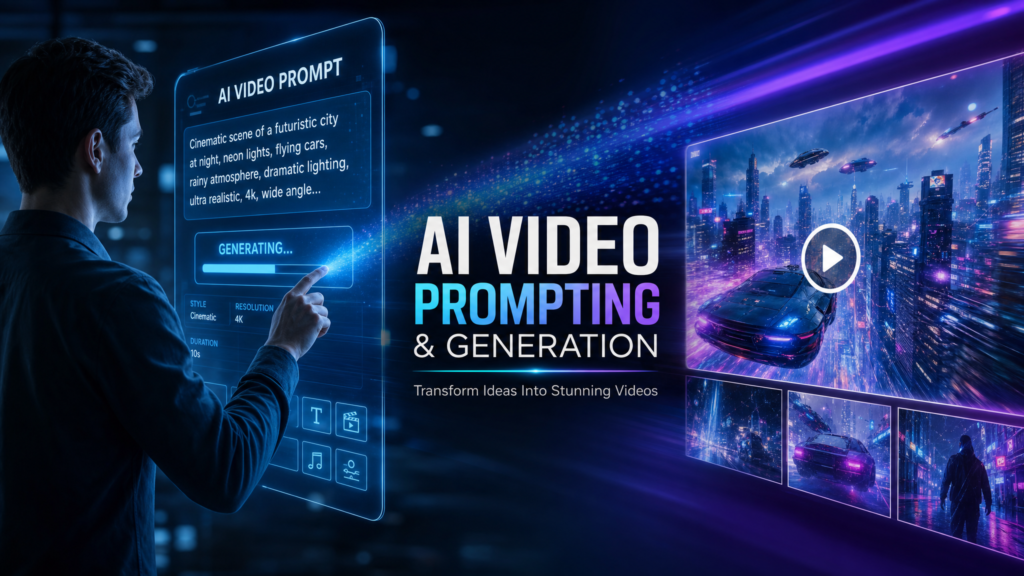
An AI video prompt is a written direction for a video generation model. It tells the model what to show, what should move, how the camera behaves, what the lighting feels like, and what to avoid.
The best prompts are specific without being overloaded. They give the model a clear visual target and leave fewer opportunities for random details.
The beginner formula
Subject + action + environment + camera movement + lighting + style + mood + duration + aspect ratio + negative promptSimple example
Weak prompt
Make a cool AI video of my app.Better prompt
Create a 10-second AI video of a clean SaaS dashboard on a laptop. The camera slowly pushes in as one analytics card animates into focus. Modern office background, soft daylight, clean SaaS demo style, calm premium mood. Aspect ratio: 16:9. Negative prompt: unreadable UI, warped text, flicker, distorted laptop, clutter.Copyable beginner templates
Text-to-video template
Create a [duration] [aspect ratio] video of [subject] doing [action] in [environment]. Camera movement: [camera movement]. Lighting: [lighting]. Style: [style]. Mood: [mood]. Intended platform: [platform]. Negative prompt: blurry, flickering, distorted hands, warped text, low resolution, inconsistent subject.Image-to-video template
Use the reference image as the starting point. Preserve [important details]. Add [simple motion] with [camera movement]. Lighting: [lighting]. Style: [style]. Mood: [mood]. Duration: [duration]. Aspect ratio: [ratio]. Negative prompt: changed subject, warped text, distorted face, bad reflections, flickering, low resolution.Product commercial template
Create a premium product commercial for [product]. Show [benefit] through [simple action]. Environment: [environment]. Camera: [movement]. Lighting: [lighting]. Style: [style]. Preserve product shape, logo, colors, and material. Negative prompt: warped logo, changed product shape, unreadable label, flicker, bad reflections.How to choose camera movement
- Slow push: good for reveals and product shots.
- Orbit: good for products and objects, but use carefully with real product images.
- Static locked shot: safest for consistency.
- Handheld: useful for realistic creator B-roll.
- Macro: useful for close-up product texture.
How to use negative prompts
Negative prompts tell the model what to avoid. They are not magic, but they help reduce common issues like flickering, warped text, distorted hands, changed product shape, and bad reflections.
Negative prompt: blurry, flickering, warped text, distorted hands, extra limbs, low resolution, bad reflections, unreadable logo, inconsistent product shapeUse the Kingy AI Video Prompt Generator
Want to turn one idea into multiple prompt versions faster? Use the Kingy AI Video Prompt Generator to create short, detailed, image-to-video, camera direction, Shorts, product commercial, and safer prompt versions.
For the broader production path, continue through Kingy’s AI Video Production hub for workflow guides, prompt utilities, product records and live changes.
For AI companies and founders
Launching an AI video tool, creator app, model, workflow, or agent product? Kingy AI helps AI companies reach creators, founders, marketers, and AI tool buyers with practical launch coverage and creator-first education.
Related AI video tools
Want to move from article examples into working prompt assets? Use the Kingy AI video tool hub:
- AI Video Prompt Generator
- AI Video Prompt Examples Library
- AI Video Script Generator
- Image-to-Video Shot List Generator
- YouTube Shorts Hook Generator
- AI Product Commercial Prompt Generator
FAQ
How long should an AI video prompt be?
Start with a short structured prompt. Add detail only when the model needs more direction.
Do I need a different prompt for each AI video tool?
The same core formula works across many tools, but each platform may respond differently. Test short, detailed, and safer versions.
What should beginners avoid?
Avoid vague prompts, too many actions in one shot, long text overlays, and missing preservation rules for images or products.
Sources checked
Last checked: June 4, 2026.
- Runway prompting guides and examples
- Runway Academy image-to-video guide
- Google DeepMind Veo prompt guide
- OpenAI Sora video generation help
Choose the next AI-video workflow
Keep this page’s exact job, then move to the adjacent prompt or production workflow that matches what you are making.
The Kingy Brief
Get future Kingy Brief editions.
Source-checked AI changes, original tests and one practical thing to try.
Free · Choose your subjects · Double opt-in · Unsubscribe anytime
Regular sending is paused; no restart date is set.