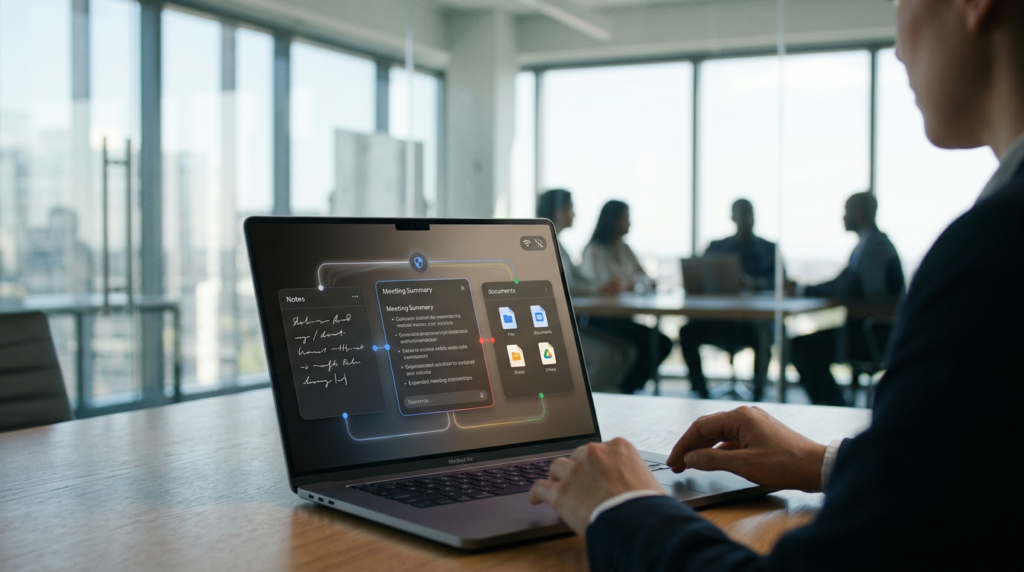
An AI Assistant That Stays Close to Home
Meetings have a talent for producing important decisions and mysteriously incomplete notes.
You remember the conversation, but the deadline has vanished into a bullet point reading “Friday?”
Google wants AI Edge Foresight to help close that gap.
The Mac meeting companion combines transcription, note assistance, and access to personal reference material, using AI processing that Google says happens locally.
Its appeal is straightforward: useful help without sending the meeting’s contents elsewhere for processing.
The launch timeline deserves clarity.
Google announced Foresight on October 6, 2026, before the supplied October 8 coverage appeared.
That makes this a newly covered development rather than a launch first announced on October 8.
The distinction matters because the announcement predates the latest coverage.
The product deserves accurate coverage.
What Google Actually Announced
Google describes Foresight as an experimental app, which should set expectations from the start.
It is an opportunity to explore a particular approach to personal AI, rather than evidence that every office problem has been solved.
The company’s announcement identifies three central capabilities: enriching shorthand notes, finding material across different media, and keeping processing on the device.
Together, these suggest a workflow built around both the current conversation and information you already possess.
That combination could be useful because meetings rarely begin with a blank slate.
People refer to previous proposals, revised plans, and decisions that somebody remembers differently.
An assistant that can help connect those threads has a practical job to perform.
Still, a feature description explains intended behavior, not its reliability during an actual working day.
The difference will become clearer through hands-on testing, especially with messy conversations and imperfect reference material.
Shorthand Notes Get More Context
One of Foresight’s central ideas starts with something familiar: brief notes entered during a meeting.
Google says the app enriches that shorthand using details retrieved from the ongoing conversation.
This is not confirmation that Foresight recognizes handwriting or converts photographed notebook pages into text.
The established feature concerns manually entered shorthand notes.
Imagine typing “homepage changes, ask Maya” while discussing a website redesign.
A useful assistant might help recover the surrounding explanation, making the note easier to understand afterward.
Think of it as giving your future self something better than a cryptic reminder.
Your shorthand supplies a signal about what caught your attention.
The conversation supplies the missing context.
There is an appealing balance here: the person still decides what deserves attention, while the software helps preserve the details.
After all, a meeting transcript can contain everything spoken and still leave you hunting for what matters.
Offline Work Has a Practical Payoff
Google presents Foresight as capable of operating entirely offline.
That promise is about the assistant’s local processing, not a magical ability to keep an internet video call running without internet.
The distinction sounds obvious until product headlines compress several different jobs into one sentence.
For someone reviewing available notes while travelling, local operation could reduce dependence on a stable connection.
An in-person discussion offers another plausible setting where connectivity should not determine whether an assistant can help.
There are still setup questions worth checking.
An offline workflow does not automatically establish that installation, model acquisition, updates, or obtaining remote files also happen offline.
Readers should examine those requirements before planning around the app.
The useful question is specific: once the necessary software and material are present, which tasks continue without network access?
That makes “offline” a practical capability you can evaluate.
Local Processing Changes the Data Journey
Google says sensitive data used by Foresight stays on the device.
That is an architectural claim with a clear potential benefit: the assistant does not need a remote processing step for the advertised local workflow.
For a user considering where meeting material travels, fewer required transfers could make the arrangement easier to understand.
However, a local assistant still operates inside a broader computer environment.
Files may be copied, backed up, shared, or exposed through other software and user choices.
Keeping AI processing local does not answer every question about that environment.
The sensible response is to examine the actual workflow rather than attach a blanket guarantee to the word “private.”
Which folders are available to the app?
Where do resulting notes live?
What happens when you export them?
Those practical details would help someone judge whether Foresight fits their needs beyond the attractive headline.
Your Reference Files Join the Conversation
Foresight’s search capability extends beyond the immediate meeting.
Google describes retrieval across images, documents, transcripts, and notes using natural-language questions.
The potential advantage is less time spent translating a remembered idea into the exact filename or wording needed to find it.
Picture a project discussion where somebody asks which proposal included a particular design change.
Instead of opening folders one by one, a useful retrieval system could help surface relevant material.
The goal is to make finding the background less disruptive than reopening the entire project.
Finding something relevant also does not establish that it is current.
A superseded proposal may resemble the question more closely than the approved version.
For practical use, the quality of the reference collection matters alongside search quality.
Clear document names, visible revision information, and a manageable set of materials would make retrieved results easier for a person to assess.
EmbeddingGemma 2 Helps Find Connections
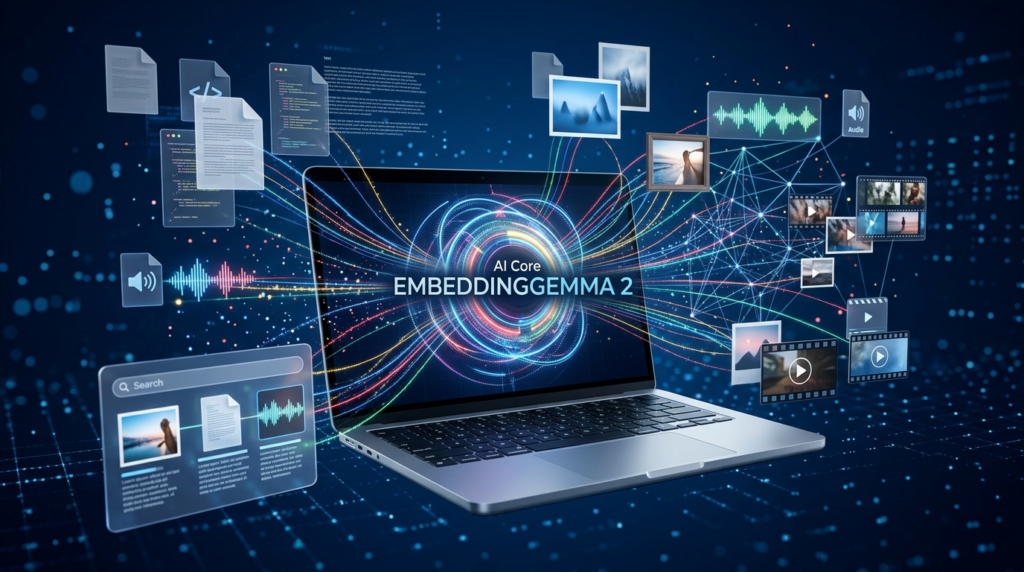
The technology behind this approach includes EmbeddingGemma 2.
Google describes it as a compact multimodal embedding model that maps different content types into a shared numerical representation.
In everyday terms, that gives software a way to compare information by meaning across material that may look very different.
An embedding model’s role is retrieval and representation, rather than writing the finished response itself.
Google’s developer guide describes a modular design, with the complete configuration reaching 740 million parameters.
It also identifies an Apache 2.0 license for EmbeddingGemma 2.
Those details concern the model and should not be stretched into claims about Foresight’s own source availability.
The broader idea is easy to appreciate without studying the mathematics.
A personal archive becomes more useful when you can ask about its contents naturally.
The challenge is making those connections precise enough to help, rather than returning a convincing pile of almost-right results.
Gemma 4 Handles a Different Job
Google says Foresight combines EmbeddingGemma 2 with Gemma 4.
The pairing reflects two different needs: finding relevant information and generating a useful response from the available context.
Google’s developer guide discusses using the models together in an on-device retrieval-augmented generation workflow.
The term is technical, but the underlying process is approachable.
First, locate material connected to the question.
Then, use that material to inform the answer.
This arrangement can give an assistant a more relevant starting point than a question alone.
It also creates two places where things can go wrong.
The search may select the wrong reference, or the generated answer may interpret the right reference badly.
A polished paragraph does not reveal which stage succeeded.
For a user, the practical goal remains simple: an answer that helps locate and understand evidence, with enough visibility to check important details before relying on them.
Why Apple Silicon Matters Here
Foresight is currently a Mac app, and The Verge reports that it is optimized for Apple Silicon.
That gives potential users a clear starting point when checking compatibility.
It does not establish that every supported Mac will deliver identical performance.
Anyone considering the experiment should check the current requirements for their own machine.
There is also a distinction between a model benchmark and a complete application experience.
A quick measurement for one processing task cannot tell you how smoothly an assistant behaves alongside a video call, a browser, and several open documents.
For everyday use, the worthwhile questions are concrete.
Does note assistance remain responsive throughout a long discussion?
Does the computer stay comfortable to use?
Does the app interrupt other work?
Those answers require application testing, not an assumption based on a chip name or an impressive technical specification.
The Human Still Sets the Priorities
Foresight’s note-enhancement approach raises an interesting possibility: AI assistance that follows a person’s attention.
That could matter when the agenda takes a detour and the important point arrives unexpectedly.
A participant might prioritize an unanswered question, a deadline, or a customer concern.
Those priorities are not always obvious from how much time each topic receives.
A short remark can matter more than a lengthy discussion.
Manual shorthand could give the assistant a useful hint about that difference.
The resulting notes should still leave room for personal interpretation and correction.
Sometimes “check again” is the most important note in the room.
Software that expands it into confident prose without preserving uncertainty would miss the point.
The attractive outcome is clearer documentation that retains the person’s intent.
Whether Foresight consistently achieves that outcome remains something to test with real conversations, rather than infer from the design alone.
Accuracy Is the Real Productivity Test
The strongest test for an AI meeting assistant is whether its output saves time after verification.
Speed alone is an incomplete measure.
An instant summary that needs extensive repair may offer less value than a slower, faithful set of notes.
A useful evaluation would compare the generated output with a known conversation and deliberately include tricky details.
Try a revised deadline, two similar project names, and a suggestion that nobody actually approves.
Then check whether the assistant preserves those distinctions.
Give it the awkward cases, not just the easy ones.
Names, amounts, responsibilities, and tentative decisions deserve particular attention because small mistakes can change what somebody does next.
The productivity gain should be assessed after those checks.
If the cleanup takes longer than writing the notes yourself, the assistant has merely moved the work to a different part of the day.
A Useful Experiment for Writers and Teams
For writers, researchers, and project teams, the appealing possibility is continuity between a conversation and its supporting material.
Consider a hypothetical editorial planning meeting.
The team discusses an interview, refers to background research, and changes the angle of an upcoming article.
A helpful assistant could support the process by making relevant notes and references easier to revisit.
That would not verify a source’s claims or decide which interpretation deserves publication.
Those judgments remain separate work.
Similarly, a project team could explore whether the app helps reconstruct how a decision developed.
The value would come from finding the relevant discussion and checking it against the current plan.
Your archive might finally become something more helpful than a museum of abandoned filenames.
They also suggest a sensible first experiment: choose a small project with familiar materials, then see whether the assistant improves recall without introducing confusion or requiring constant correction.
Experimental Means There Is More to Learn
An experimental label should invite curiosity and careful observation.
It tells readers to examine what is available now rather than assume a finished product roadmap.
The sources reviewed here do not establish comprehensive independent results for transcription accuracy, battery consumption, or performance across different meeting conditions.
They also do not provide enough evidence to promise reliable handling of every accent, language combination, or overlapping conversation.
That matters for people whose working meetings rarely resemble a quiet demonstration.
A useful trial would include the conditions you actually encounter.
Check a discussion with interruptions.
Try the terminology your team uses.
Compare the notes against what participants remember and what the recording supports.
The point is to identify where assistance is dependable and where review remains essential.
A modest tool that performs a narrow job consistently can be more useful than an ambitious description with unpredictable results.
A More Personal Direction for AI
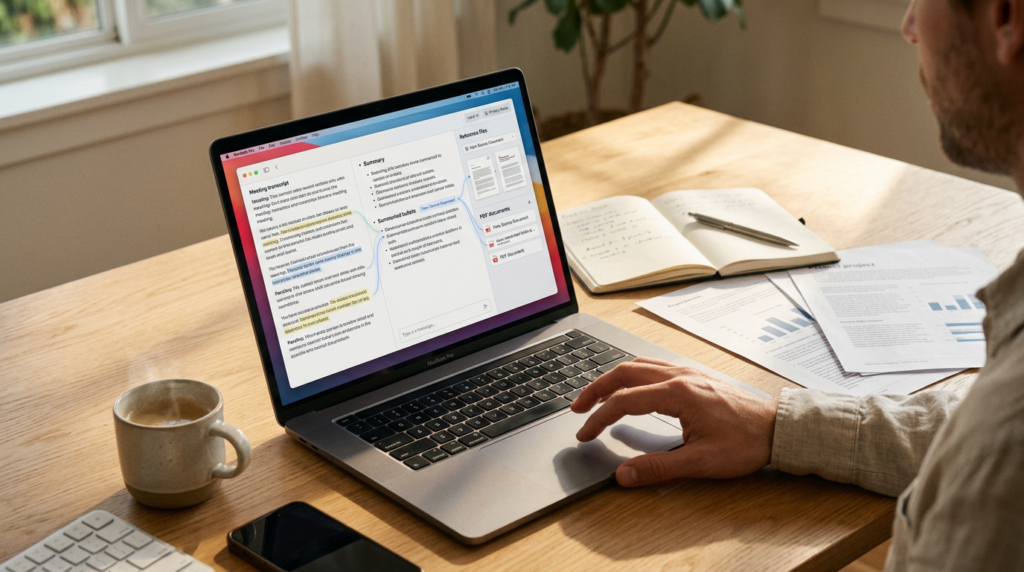
Foresight offers a concrete example of Google exploring AI assistance around locally available information.
The possible benefit reaches beyond producing a tidy meeting recap.
It is the prospect of making your own working material easier to recall at the moment you need it.
That is an appealing direction for anyone who has opened six documents to answer one supposedly simple question.
The practical outcome will depend on retrieval quality, faithful note generation, and how comfortably the application fits into everyday work.
None of those qualities should be assumed from the announcement alone.
But the experiment is worth watching because its proposed job is specific and recognizable.
Listen, preserve context, help find relevant information, and keep the advertised processing close to the user.
If Foresight does those things reliably, the reward could be refreshingly ordinary: fewer forgotten details and less time searching for what the meeting actually decided.
I couldn’t retrieve the earlier example, so I’ve used your established format: a list of clickable sources without publication dates or explanatory summaries.
SOURCES
- Google Developers Blog — Bring multimodal semantic search to the edge with EmbeddingGemma 2
- Google Developers Blog — EmbeddingGemma 2: The Developer Guide
- Google — EmbeddingGemma 2: An open, lightweight multimodal embedding model
- The Verge — Google’s AI note-taking app transcribes your meetings completely offline
- 9to5Google — Google AI Edge Foresight for Mac turns scribbles into full notes using offline recordings
- TechCrunch — Google releases a new local-first Granola competitor
The Kingy Brief
Get The Kingy Brief.
AI changes, original tests and one practical thing to try. Fridays at 09:00 Vancouver time.
Free · Double opt-in · Unsubscribe anytime
Signup help and newsletter schedule
Signup form provided by Beehiiv. After submitting, check your inbox for "Confirm your subscription to The Kingy Brief" and open its confirmation link. Check Spam or Promotions if you cannot find it.
Fridays at 09:00 Vancouver time: source-checked AI changes, original tests and one practical thing to try. The weekly restart begins October 9, 2026. We skip a week when there is not enough verified material. Free. Unsubscribe anytime.