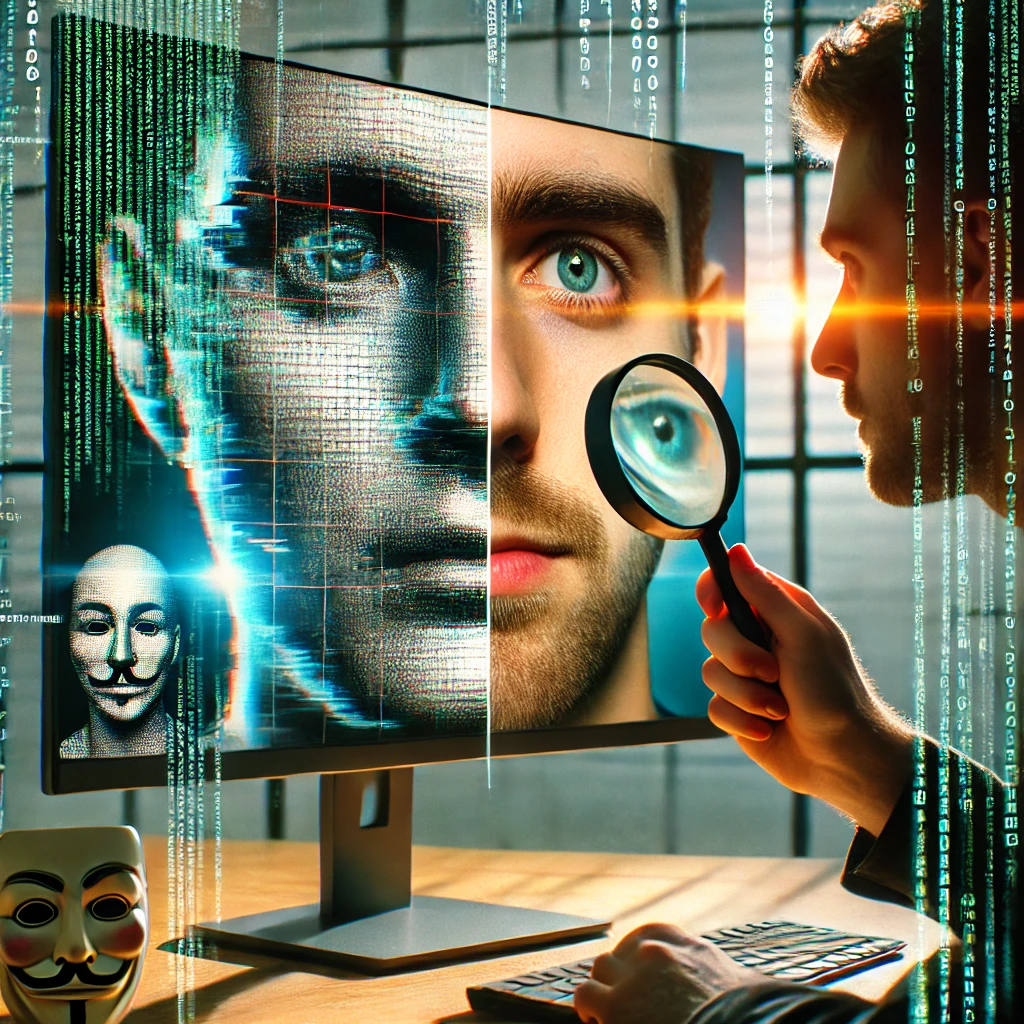
Have you ever fallen for a fake video, When you thought a certain person was really promoting a product. Or when you thought that your favorite celebrity or influencer really did that shameful act?
If a video makes you think “something feels off,” pause and investigate. That feeling does not establish a deepfake. Artificial intelligence (AI) can be used to make someone appear to say or do something they did not. Check the evidence before deciding what happened.
Start with the source: find the earliest upload you can, look for the full recording, and check whether other reports provide independent evidence. Visual and audio oddities can guide your questions, but they cannot settle authenticity on their own.

The images on this page are conceptual illustrations, not screenshots of a tested detector.
Take a good look at their faces
Take a close look at the face and expressions. MIT’s Detect Fakes project describes visual clues but cautions that there is no single tell-tale sign. Use these checks to decide what to investigate, rather than to pronounce a video fake:
- Blinking Weirdness: Watch several seconds of the clip and compare the blinking with an earlier recording, if available.
- Wonky Symmetry: Compare the eyes and smile across several frames. An uneven face or one unusual expression is not evidence of wrongdoing.
- Awkward Movements: Note where facial movements change abruptly, then check the same moment in the original recording.
Check Out the Lighting and Shadows
Compare shadows and highlights across the whole clip and with the original recording. A difference may deserve investigation; it does not identify its cause:
- Shady Business: Compare facial shadows with the rest of the scene, including changes as the person moves.
- Shiny or Flickering Areas: Check whether changing highlights or flicker also appear in the original, rather than judging an isolated frame.
Focus on the Lips and Voice
Listen as well as watch, then compare apparent mismatches with the full recording. An odd sound or timing mismatch cannot identify a deepfake on its own:
- If the lips and audio appear out of sync, check whether an earlier version has the same timing.
- Look for the original statement and its surrounding context before judging an unusual-sounding voice.
- If background noise seems out of place, compare it with the original scene and recording.
Spot the Glitches
- Blurry Edges: Compare edges around the face as it moves, using the best-quality original you can find. Low image quality alone cannot establish AI manipulation.
- Pixel Problems: Note distortions in hair, teeth or eyes and compare a better-quality original if you can find one.
Peek at the Background
Look across several frames and compare the scene with the original. Record specific anomalies for follow-up rather than deciding from one cropped moment:
- Blurring: Compare the boundary between the person and the background with an earlier version.
- Warping: Check whether apparent background distortion persists across frames and in the original.
Use Tools to Help
Tools can help collect evidence. Treat a detector’s prediction as something to evaluate, not a final verdict. A historical human-versus-model study found that incorrect model suggestions could reduce people’s accuracy; it does not establish how well any current scanner performs.
- Deepware Scanner: The original guide linked this app . Its current availability is unverified; no scanning result is presented here.
- InVID Plugin: This app documents keyframe extraction, metadata inspection and reverse image searches. Use those steps to trace origin and context rather than expect an automatic authenticity verdict.
- Content Credentials: Where available, inspect the recorded provenance. Credentials do not establish that a depicted claim is true; missing credentials do not establish that media is fake.
Trust Your Gut
Use an uneasy feeling as a reason to pause. Write down the specific claim you need to check before sharing the clip or accusing someone of making a fake.
Double-Check the Source
- Who first published this clip, and what date, place and context did they provide? Look for the original recording or statement.
- Do other reports provide independent evidence, or do they all repeat the same upload? Reposts are not independent corroboration.
- Use a clear keyframe to look for earlier uses of the image. Google’s image-context guidance helps identify older material reused in a new story; a first-seen search date is not a filming date.
Stay Informed and Spread the Word
Keep learning about developments in AI. When you share verification advice, share the supporting evidence and explain what remains uncertain.
Conclusion
If the evidence is inconclusive, describe the clip as unverified and avoid sharing its claims as fact. Save the original URL and explain which checks you completed and what you still do not know.
Sources
The original 2024 attribution links are retained above. Current verification references: AFP verification toolkit documentation; human and detector research; Google image-context guidance; C2PA provenance limitations.
Related Guides
- The Future of AI Video Content: Trends to Watch in 2025
- 6 AI Video Generators That Make Video Creation a Breeze (and a Little Magical)
- Building Trust Through Demo Videos: A Guide for AI Startups
Compare
Latest News
The Kingy Brief
Get The Kingy Brief.
Every Friday: the AI launches worth your time, what we actually tested, and one thing to try. Free. Unsubscribe anytime.
Free · Double opt-in · Unsubscribe anytime