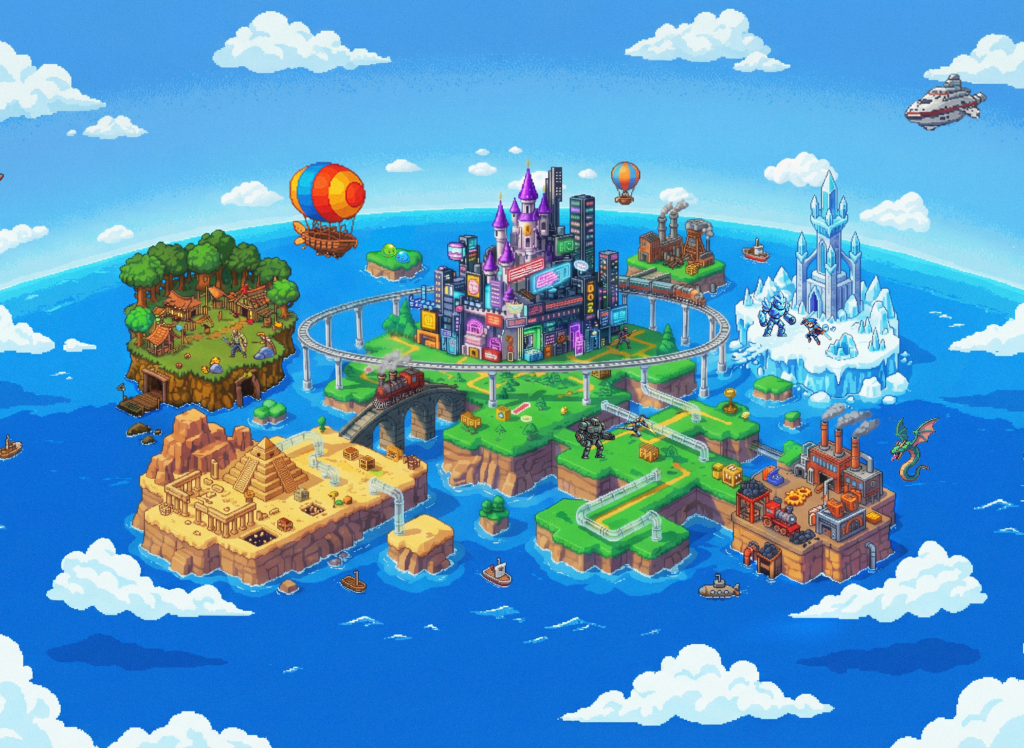
Google has opened a new door into game creation. Playground, announced on October 7, 2026, lets people describe a game in ordinary language and turn that idea into something they can play and share. Google’s launch announcement positions it as an experiment for people without coding experience, initially available to adults in the United States. [1]
The interesting question is what happens after the first playable result. Can you make the controls feel right? Can you change a rule without breaking the rest of the game? Can you take the project somewhere else? Those questions separate an entertaining demo from a tool you will keep using.
Our assessment is that Playground deserves attention as an approachable way to explore small game ideas. Its value will depend on how reliably it turns your instructions into understandable, enjoyable play. This guide examines the documented product, the costs, the limits, and a practical way to evaluate the output.
How we researched this guide: We checked Google’s launch announcement, Labs page, Help Center, terms and subscription comparison, plus Unity’s announcements and relevant game-generation research. US subscription prices were checked in the live Google One interface. We have not generated, played or exported a Playground project for this article. Our examples and testing rubric are original recommendations, not reported test results.
What is Google Playground?
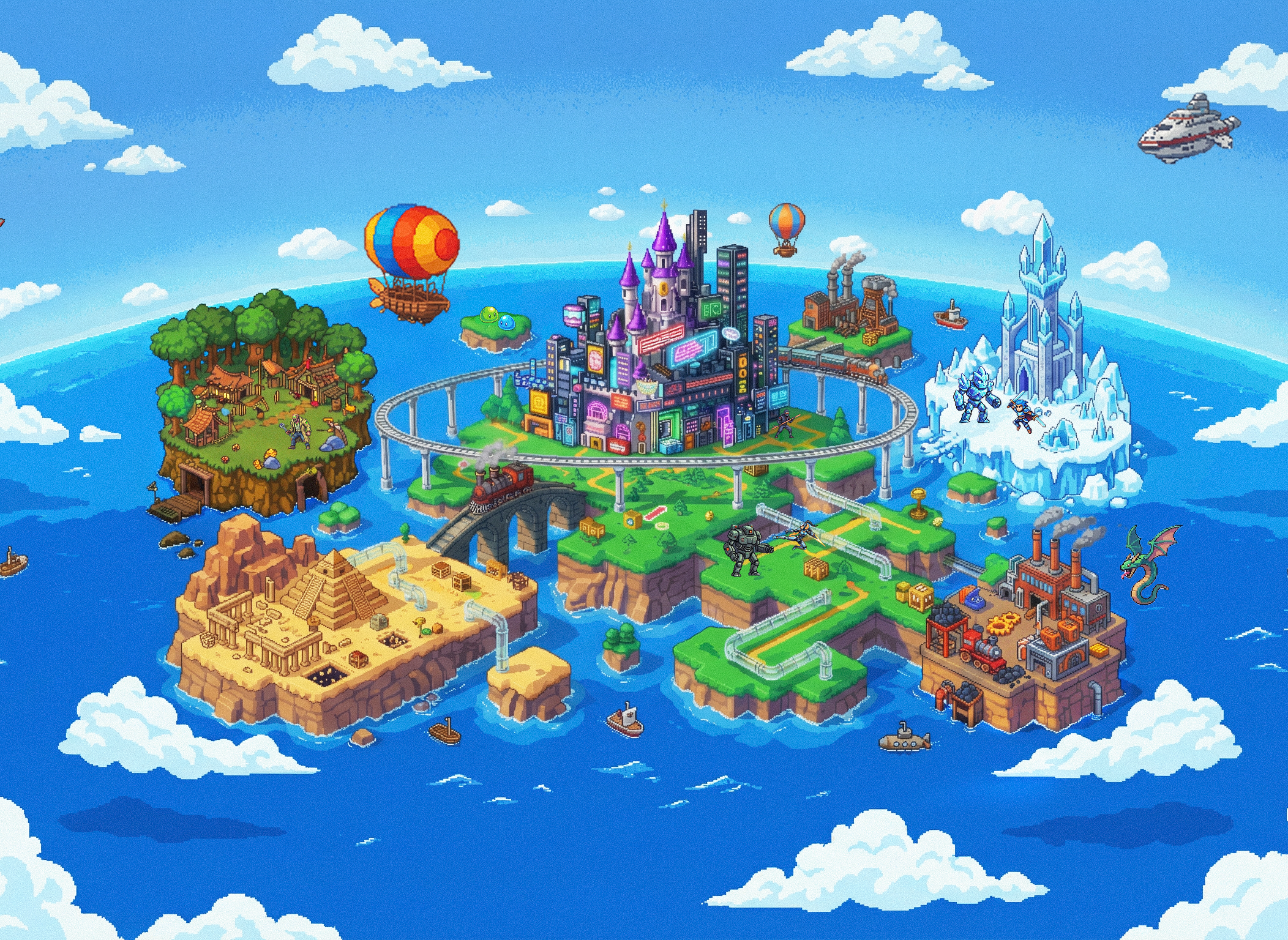
Playground combines conversational creation with a place to discover and share browser games. Google describes a workflow that starts with a fresh idea, a starter prompt or guided support; subsequent requests can alter gameplay, physics, characters and environments. The launch also describes gallery discovery, ratings and player activity. [1]
That combination matters. Making the game is only one part of a creator’s job. The other part is getting somebody to try it, understanding where they struggle, and giving them a reason to return. A useful creation tool should shorten the path from an idea to that first real reaction.
For a newcomer, the right starting point is a complete but tiny experience: one objective, one main action, a clear failure condition and an immediate restart. A game that works well for sixty seconds teaches you more than a sprawling concept that never reaches a satisfying end.
Which Playground? This article covers the Google Labs gaming experiment at labs.google/playground. Google AI Studio’s development environment and the separately operated Playground design service are different products.
Google Playground specifications and documented limits
For this product, the useful specifications are the ones that affect what you can build, how you can revise it and what happens when you share it. Google’s Help Center documents the following details. [3]
| Feature | Documented behavior |
|---|---|
| Reference uploads | PNG/JPG images; AI restyles them. Video uploads unsupported. |
| Source export | ZIP containing HTML, JavaScript, CSS and generated assets. |
| Multiplayer | Turn-based and real-time; early preview. Select before generation. |
| Platform leaderboards | Publicly listed single-player games only; not multiplayer. |
| Group leaderboards | Invite-only; up to 100 members. |
| Published revisions | Changes remain drafts until republished; the existing release stays playable. |
| Generation charges | Deducted on successful compilation; stopped, failed or timed-out generation is not charged. |
| Family credits | No pooling or transferring at launch. |
| Device experience | Modern mobile/desktop browsers; responsiveness depends on the game. |
Google’s Labs showcase includes platforming, trivia, arcade shooting, word puzzles and sports examples. These illustrate the range of ideas being presented, rather than the success rate you should expect from your own first prompt. [2]
What is not a verified specification?
The primary product documents reviewed do not establish an exact Playground model ID, parameter count, context-window size, fixed generation latency or guaranteed frame rate. They also do not provide a reproducible product-level benchmark score. We therefore leave those entries unresolved.
A model family name is not enough to identify a complete game-building system. The result can depend on how the service plans a project, creates assets, writes code, handles errors and preserves earlier work. Those are separate questions from whether an underlying model performs well on a coding or image-generation leaderboard.
In particular, the existence of a newer Gemini, Nano Banana or Lyria release elsewhere in Google’s ecosystem does not establish which version Playground uses. Likewise, a context-window figure on a Google AI subscription page should not be treated as a documented Playground project limit.
Where Unity Spark fits
Unity and Google separately announced Unity Spark, an expanded creation experience planned for later in 2026. Unity describes an eventual combination of more advanced mechanics, higher-fidelity 3D and its runtime. Its product page currently says “Coming Soon” and offers a waitlist. These are roadmap details, not a promise that every Playground account can use Spark today. [5] [6]
Unity’s explanation also emphasizes artist-created Asset Store resources and the work of refining an original idea. [7] That is a useful way to approach AI game creation: get to a workable starting point, then spend your attention on the decisions that make it enjoyable.
Google Playground pricing: free play, metered creation
Google documents free catalog play and a free creation tier with weekly tokens. Creation access is phased: free users may need the waitlist; eligible Google One AI subscribers can obtain immediate creation access. [3]
The US Google One comparison places Playground generation access alongside its paid AI subscriptions. The prices below are the monthly amounts displayed on October 7, 2026; these are subscription prices, not a published per-game tariff. [4]
| Plan | Displayed US monthly price | Playground allowance wording |
|---|---|---|
| Free Playground access | $0 | Limited weekly creation tokens; access rollout applies |
| Google AI Plus | $4.99 | More |
| Google AI Pro | $19.99 | Expanded |
| Google AI Ultra 5x | $99.99 | Higher |
| Google AI Ultra 20x | $199.99 | Highest |
The important unknown: the public documents checked do not give numerical weekly Playground allowances or a dependable token cost for each generation and edit. The “5x” and “20x” plan names are not evidence of an equivalent multiplication of Playground output. Taxes, offers, eligibility and account-specific checkout terms can change what you pay.
Similarly, do not turn Google Flow’s published monthly credits into a Playground game budget. Products can use different allowances even when they appear in the same subscription bundle.
How to decide whether upgrading is worth it
Start with the least expensive eligible route that lets you evaluate the idea you actually care about. Before upgrading, record how many usable prototypes you finish and how much of your allowance each one consumes. A higher limit is valuable when it buys more successful iterations on a worthwhile game.
For commercial work, use this planning formula:
Cost per accepted prototype = (allocated subscription spending + asset and hosting expenses + the value of time spent prompting, testing and repairing) ÷ number of accepted prototypes.
For illustration, suppose you allocate $19.99 of subscription spending to a month of game experiments and accept four prototypes. That is approximately $5 per accepted prototype before labor and other expenses. This is arithmetic using an assumed workload, not a measured Playground generation cost.
Your time can easily become the larger expense. Ten minutes checking a timer, collisions and restart behavior may be more valuable than another hour asking for prettier scenery. A beautiful prototype that violates its own rules is expensive if you keep trying to polish around the problem.
Canada and other countries: Google’s launch and Help Center specify US availability. A locally available Google AI subscription does not by itself establish Playground eligibility. We have not verified a Canadian launch date. [1]
How to use Playground effectively
The workflow below is our recommended design process. The interface may evolve, and the examples are intended as starting briefs rather than guaranteed feature recipes.
1. Write a game brief that can be tested
Before asking for scenery or a story, decide what the player does and what success looks like. Name the main action, controls, scoring, win condition, loss condition and restart behavior. Also describe the intended session length and the target screen.
“Make a fun space game” leaves almost every important decision open. “Make a sixty-second asteroid-dodging game with three lives, visible countdown and one-tap restart” gives you something concrete to evaluate.
2. Keep the first version small
Ask for one level, a limited number of objects and simple rules. Avoid combining inventory, crafting, online play, multiple biomes and an elaborate campaign in the first brief. Every additional system creates interactions you will need to check.
A good first prototype answers one question. Does steering between obstacles feel satisfying? Does choosing a route create an interesting trade-off? Does a trivia round make people want to try again? Decide which question you are testing before you generate.
3. Test the complete loop before improving the art
Try starting, playing, winning, losing and restarting. Check that an action has the correct consequence. If a coin is worth ten points, verify a ten-point increase. If a round lasts sixty seconds, check that the ending actually occurs.
Then make deliberately awkward moves: stay still, hold a key, click rapidly, resize the window, leave the tab and return. These actions can expose state and timing mistakes that a smooth promotional demonstration never shows.
4. Request one bounded change at a time
Use an instruction such as: “Keep the scoring and level layout unchanged. Make the jump easier to control, and explain what you changed.” Retest the original rules afterwards. A request to improve one part should not quietly rewrite the game’s identity.
When reporting a bug, include the starting state, the action you took, what you expected and what actually happened. “After collecting the third coin, the score resets to zero” is much easier to work with than “the game is broken.”
5. Give it to a new player
Watch somebody who has never read your prompt. Do they know what to do? Do they understand why they lost? Can they restart without help? Their confusion is useful evidence.
After a session, ask which moment felt best, which moment felt unfair and whether they wanted another round. Resist explaining the controls immediately; the game itself should communicate enough to get them started.
Five original Playground prompts to start with
These briefs are designed to produce testable ideas. We have not run them in Playground. Choose the relevant game type in the interface, reduce the scope if necessary, and check every requested behavior.
Prompt 1: a complete beginner arcade game
What to test: each pickup adds the right score, collision protection expires correctly, the timer ends the round, and restart clears all previous state.
Prompt 2: an AI literacy quiz
What to test: the answer key survives shuffling, no questions repeat, and explanations come from your supplied material. Game generation is not fact checking.
Prompt 3: a compact strategy experiment
What to test: currency cannot go negative, invalid placement is rejected, waves finish and the final victory condition fires.
Prompt 4: a short original mystery
What to test: there is enough evidence to solve the mystery, the game cannot become stuck, and the correct solution follows from the clues.
Prompt 5: a multiplayer rule test
What to test: both players see the same state, turns alternate correctly, simultaneous actions are handled, and a disconnect does not create a false result.
Ease of use and quality: what deserves your attention
The documented chat workflow lowers the amount of technical setup a newcomer faces. That supports a reasonable expectation of an easier starting experience; it does not establish a measured usability score. The harder work is still deciding what you want, noticing where the output misses it and explaining a useful correction.
Our suggested quality order is rules, controls, clarity, pacing, then presentation. The order can change for a visual experiment, but it is a sensible default for something people are meant to play.
| Quality dimension | What a good result demonstrates | A failure worth fixing |
|---|---|---|
| Rules | Scoring, damage, timers and endings follow the brief | A game that launches but cannot be won fairly |
| Control feel | Actions are predictable and feedback is immediate enough for the design | Missed taps, awkward movement or unclear hitboxes |
| Legibility | The player can identify goals, hazards and important UI | Decorative effects obscure the action |
| Pacing | Difficulty develops without unexplained jumps | Long empty stretches or unavoidable losses |
| Revision stability | Improving one feature preserves the tested behaviors | A visual change silently changes scoring |
| Screen fit | Controls and text remain usable on the intended device | Buttons overlap or important information is clipped |
These are evaluation criteria, not observed Playground defects. A useful review should report the actual occurrence of each problem, how often it happens and whether the creator could correct it.
For visual quality, look for consistency across objects and states. A polished background is less useful when the player character disappears into it. For audio, assess whether a cue helps the player interpret an action and whether it becomes irritating after repeated rounds.
For ease of use, count the work between an idea and an acceptable game: prompt revisions, failed attempts, time spent diagnosing mistakes and help needed from a technically experienced person. That gives you a much more meaningful measure than “it only took one sentence.”
Benchmarks and evaluations: what we can honestly report
We did not find a reproducible Playground-specific benchmark result in the primary materials reviewed. There is therefore no verified pass rate, median time to a correct game, quality ranking or head-to-head win rate to publish here. That finding is limited to the sources checked for this guide.
| Evidence | Current status in this guide | What it establishes |
|---|---|---|
| Official feature documentation | Reviewed | The behavior Google documents, subject to rollout and preview limits |
| Launch gallery and promotional examples | Reviewed as examples | What the vendors chose to show |
| Playground matched benchmark | No verified result found | No comparative score can be assigned |
| Kingy AI hands-on generations | Not performed | No measured latency, reliability or gameplay rating |
| Our protocol below | Proposed | A repeatable method for a future test |
What relevant research tells us
The Spec2Game preprint examines 150 tasks across 15 game families and reports results from 14 models and 3,330 generated projects. Its evaluation distinguishes execution, faithful implementation of specifications, code quality and user-facing quality. The authors find that getting a game to run does not mean its rules were implemented correctly. [10]
A separate Recursive Game Creator preprint reports a GameCraft-Bench score of 77.89, up from 72.70 after three refinement rounds. It also reports 53.2% strict task success and 93.4% mean runtime-check success on GameASG-Bench. Those results concern that research system and its evaluation setup, not Google Playground. [11]
We cite these studies to explain the testing problem. Neither establishes that Playground is better or worse than another product, and neither score can be transferred onto an unspecified Google backend. The papers are preprints, so their findings should be read with their methods and limitations.
A practical benchmark you can reproduce
Use five small briefs covering different demands: arcade movement, a supplied trivia bank, a puzzle with exact rules, a timed obstacle game and a multiplayer turn test. Run each brief three times for fifteen fresh attempts. Keep the prompts, account tier, starting allowance, device, browser and permitted revision budget consistent.
Before running anything, write ten pass/fail requirements per brief. Include a playable ending, a functioning restart and at least one awkward edge case. Preserve every attempt, including failures, instead of selecting only the best-looking result.
| Measure | How to record it | Why it matters |
|---|---|---|
| First-build success | Count runnable first outputs out of 15 | Shows basic generation reliability |
| Rule adherence | Pass/fail each of the ten predefined requirements | Separates runnable from correct |
| Time to accepted prototype | Measure from first submission until all mandatory checks pass | Includes repair work |
| Revision burden | Count correction requests, failures and abandoned attempts | Shows the work behind the final result |
| Mobile fit | Repeat checks on the same chosen phone | Tests the intended player experience |
| Regression rate | Retest after one specified change | Checks whether iteration is dependable |
| Effective cost | Record allowance changes and allocated subscription/time costs | Measures accepted output rather than raw generations |
| Player response | Ask new players to rate clarity, fairness and replay interest separately | Avoids equating attractive art with enjoyable play |
For timing, report the median and spread rather than a single successful run. If an attempt never passes within the agreed budget, record it as unfinished; do not exclude it from the comparison. If multiplayer access is unavailable, mark that task unavailable and keep it out of an overall score with a clearly stated denominator.
If comparing another tool, use the same acceptance requirements and disclose differences in the development environment. A coding agent with access to a full project and external libraries is a different setup from a constrained hosted game maker.
Our proposed 100-point review rubric
For a future hands-on review, we would allocate 30 points to rule correctness, 20 to controls, 15 to clarity, 15 to enjoyment, 10 to device fit and 10 to revision stability. These weights are our editorial choices. No Playground score has been assigned.
We would also apply an acceptance gate: a prototype with a broken mandatory win/loss condition does not become acceptable merely because its artwork earns a high score. Show the dimension scores and the failed requirements so readers can make their own judgment.
The most useful Playground use cases
The following are promising project directions based on the documented creation approach. They are proposals to test, not evidence that every requested feature works on the first attempt.
Hobby games with a personal idea
Build a small experience around an original setting, a joke among friends or a mechanic you have always wanted to try. Keep the first release short. The satisfaction comes from getting someone else to understand and enjoy your idea.
Mechanic prototypes for game designers
Use a stripped-down game to explore a specific decision: a movement rhythm, scoring incentive, enemy pattern or resource trade-off. The prototype’s job is to answer that design question. If the idea works, decide separately whether the files, tools and runtime fit the next stage of development.
Creator videos and audience challenges
A creator can make the process itself interesting: show the brief, the first result, a failed rule and the correction. For a Kingy AI-style demonstration, “Can I turn this idea into a game a stranger understands?” is a stronger test than a montage of attractive outputs.
An adult audience challenge could center on a tiny original score-attack game. The editorial opportunity is to invite people to discuss what made the rules fair or unfair and which improvement would matter most.
Adult learning and workshop activities
Consider vocabulary practice, an approved fact quiz or a puzzle illustrating a simple concept. Supply the educational content yourself and check that the game applies it correctly. The current age restriction makes it inappropriate to describe launch access as a general classroom tool for children.
Interactive story experiments
Test whether a short mystery or branching scenario communicates its clues clearly. A useful first version might contain three locations and one decisive choice. Larger stories need more continuity checks: what the player knows, which choices remain available and whether an ending follows from earlier actions.
Internal creative workshops
Teams can use a small game brief to discuss interaction design, onboarding and feedback. Give every participant the same rules and compare what they notice. This can be useful even when the output is not intended as a public product.
Commercial and marketing use cases need a closer look
Playground’s Community Guidelines restrict displaying external website URLs and address spam or unwanted promotional content. The terms prohibit harvesting player data. A lead-capture game or a direct response advertisement therefore needs a policy review before you assume the platform fits it. [9] [8]
For a business, a more sensible first experiment is testing whether a mechanic communicates an idea. Treat any later marketing deployment, player analytics or monetization plan as a separate decision requiring verified platform support.
Playground versus Unity Spark, AI Studio and Project Genie
The useful comparison is the work you want to do. These products occupy different parts of Google’s creation ecosystem, so a single “best AI game maker” ranking would hide important differences.
| Approach | Documented emphasis | Our suggested reason to consider it |
|---|---|---|
| Google Playground | Conversational browser-game creation and community play | You want a compact idea to reach players with limited setup |
| Unity Spark | Upcoming browser creation experience using Unity; artist-created assets | You want to follow the more advanced creation roadmap and can wait for access |
| Google AI Studio Build | AI-assisted app development, code access and export/deployment workflows | You need a broader application rather than a game-focused community workflow |
| Project Genie / Genie world models | Generating interactive, navigable environments | Your experiment concerns a world you can explore rather than exact game rules |
The AI Studio row is based on Google’s Build documentation; the world-model distinction is grounded in DeepMind’s Genie 3 explanation. [12] [13] These are workflow comparisons, not measured quality rankings.
For a serious game project, compare the practical requirements: how you inspect and change rules, what you can export, how you manage versions, where players connect, and who maintains the result. For a quick creative experiment, getting a useful first reaction may matter more than having every production feature.
Readers planning a wider development workflow can also explore Kingy AI’s State of AI Coding Tools guide and its AI limits and quotas discussion.
Export, ownership and publishing: the details that matter
The source-export entry in the specifications table is a meaningful feature for anyone who may want to continue development elsewhere. Google documents an Export ZIP command in the Creation Studio. [3] Before relying on portability, inspect a real export and test it in the environment you intend to use.
Specifically, check whether asset references resolve, whether network requests depend on Google services, and whether hosted account, score or multiplayer features still function outside Playground. A set of downloadable files does not by itself establish that every hosted feature can move with them. We have not inspected an exported project.
Google’s additional terms state that it does not claim ownership of your games, while retaining rights to its own features, services and assets. They also require appropriate rights for third-party intellectual property and contemplate Google monetizing games with permission. Those provisions do not establish a live creator payout schedule or unrestricted rights in every included asset. [8]
Use an original setting and characters for your first experiment. Describe the mechanic you enjoy rather than requesting the visual identity of a commercial title. If you bring outside artwork into a project, keep a record of where it came from and what permission you have to use it.
For sharing, Google describes private projects, direct links and public gallery publication. Public discovery involves safety screening. [1] Decide whether you are testing with a small group or inviting a public audience, and review the player experience accordingly.
A platform policy check establishes compliance with the platform’s rules. Your own playtesting still needs to establish whether the game is understandable, fair and functional.
Our verdict: a worthwhile experiment, with a clear testing standard
Playground’s strongest appeal is that an idea can become something another person can interact with. That makes it interesting for hobbyists, creators and designers who want to test a small concept without a lengthy setup process.
Our recommendation is to begin with a project you can describe precisely and evaluate completely. Give it one satisfying action, a visible objective and a reliable ending. Then watch a new player try it. Improve the part that prevented them from understanding or enjoying the game.
Use the documented limits and your actual account allowance to decide whether the workflow fits. Treat Unity Spark as a separate access and roadmap question. Save the strongest quality claims for repeated tests with preserved prompts, failures and results.
The milestone worth pursuing is a small original game that follows your rules, survives an awkward player action and makes someone want another round. If Playground helps you reach that point with manageable effort, it has delivered something useful.
Frequently asked questions
Is Google Playground a finished professional game engine?
Google describes it as an experiment. For production planning, examine your requirements and test the complete workflow rather than assuming the launch establishes professional readiness.
Can I use it without knowing how to code?
That is the aim stated in the announcement. You still need to specify your idea and evaluate the result. Clear game rules and useful feedback remain valuable skills.
How much does an individual game cost?
We could not verify a public fixed per-game price or a numerical token schedule. The pricing section distinguishes displayed subscription amounts from effective project cost.
Does Playground have independent benchmark scores?
No verified product-specific score was found in the primary sources checked for this guide. The research papers discussed above evaluate other systems; our proposed rubric has not been applied to Playground.
Should I upgrade immediately?
Upgrade when access or a measured allowance constraint is preventing useful work. First define what you want to build and what an acceptable result would look like.
Sources and reporting notes
Checked October 7, 2026. Product behavior is attributed to the vendor’s documentation. Recommendations, example prompts, cost arithmetic and the proposed benchmark are Kingy AI analysis. No paid generation, account upgrade or hands-on quality test was performed for this article.
- Google: Introducing Playground — launch, creation concept, distribution and initial availability.
- Google Labs: Playground — product overview and showcased game categories.
- Playground Help Center — access, credits, uploads, export, multiplayer and leaderboards.
- Google One US AI plans — subscription amounts and relative allowance tiers, checked in the live interface.
- Unity and Google partnership announcement — Spark roadmap and platform direction.
- Unity Spark — current coming-soon status and examples.
- Unity: Why we built Unity Spark — creative approach and artist-created assets.
- Playground Additional Terms — rights, conduct and monetization provisions.
- Playground Community Guidelines — distribution and promotional-content constraints.
- Spec2Game — research context for game-specification evaluation.
- Recursive Game Creator — research context for iterative game refinement.
- Google AI Studio Build documentation — app-development comparison.
- DeepMind: Genie 3 — world-model comparison.
The Kingy Brief
Get The Kingy Brief.
AI changes, original tests and one practical thing to try. Fridays at 09:00 Vancouver time.
Free · Double opt-in · Unsubscribe anytime
Signup help and newsletter schedule
Signup form provided by Beehiiv. After submitting, check your inbox for "Confirm your subscription to The Kingy Brief" and open its confirmation link. Check Spam or Promotions if you cannot find it.
Fridays at 09:00 Vancouver time: source-checked AI changes, original tests and one practical thing to try. The weekly restart begins October 9, 2026. We skip a week when there is not enough verified material. Free. Unsubscribe anytime.