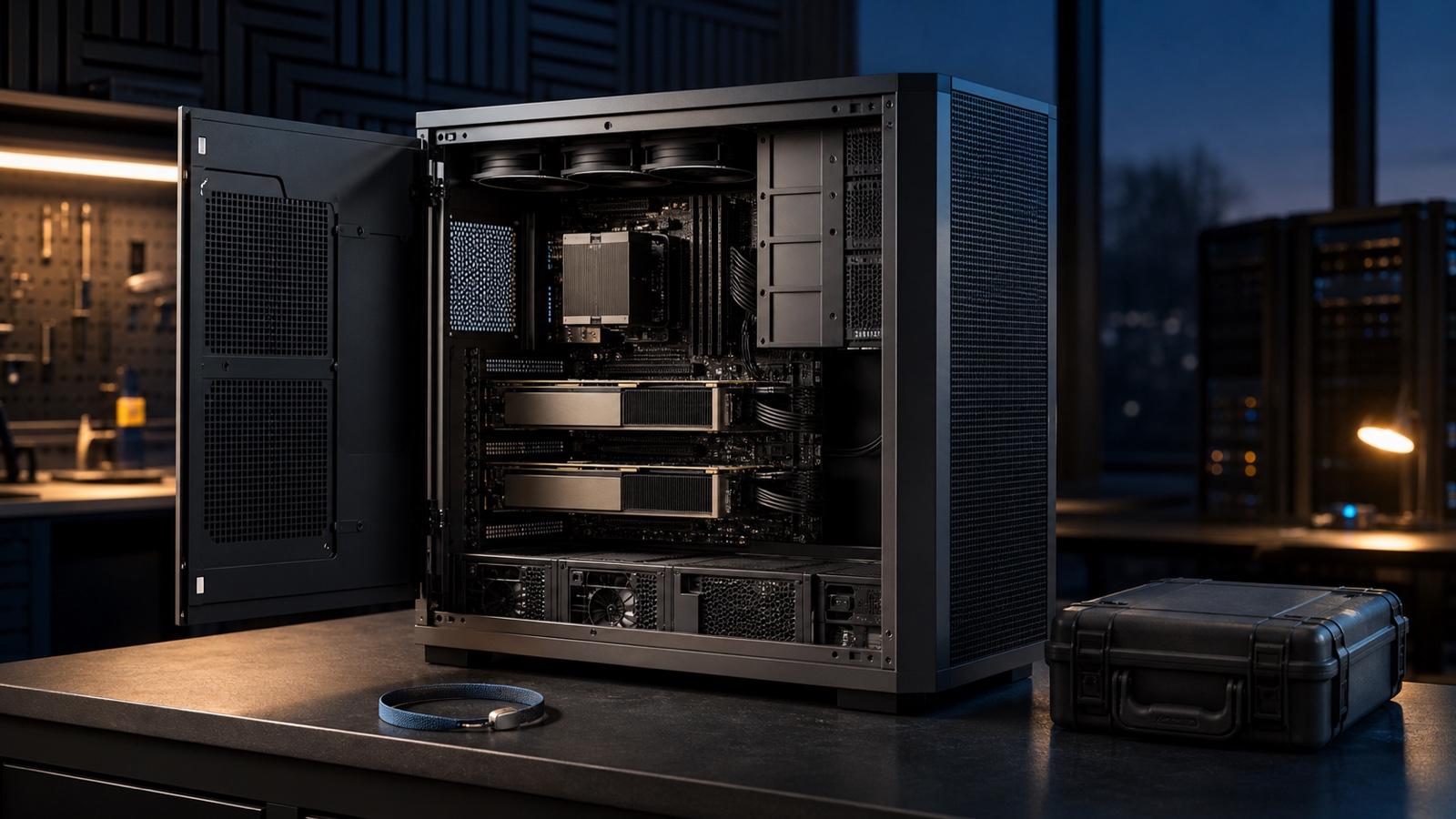
Professional AI systems
Choose an AI workstation when validated configurations, capacity, reliability controls, operating-system support, service response, and lifecycle have measurable value—not because the chassis is expensive or labeled professional.
What separates a workstation from an ordinary desktop
Validated configuration
The vendor, operating-system provider, accelerator vendor, or application supplier identifies an exact supported combination of system, device, driver, firmware, and software.
Capacity and topology
The platform documents memory ceilings, ECC options where required, GPU dimensions and count, lane topology, storage, networking, power, and cooling for the ordered build.
Service and recovery
Parts availability, diagnostics, manuals, on-site or depot terms, response targets, remote management, and a recovery process fit the cost of downtime.
Lifecycle control
Configuration stability, firmware and driver support, operating-system certification, change management, spares, and retirement timing are recorded.
A professional GPU does not make the whole machine a validated workstation. Certification and support apply to named configurations and software versions; verify the exact order code and intended application stack.
Capacity is more than a GPU memory number
Build separate budgets for model weights, runtime overhead, activations or workspace, context and KV cache, temporary buffers, system services, datasets, checkpoints, and concurrent applications. Dedicated VRAM remains local to its GPU in conventional discrete-GPU systems. System RAM is a separate pool, and CUDA documentation distinguishes host from device memory.
ECC can detect or correct certain memory errors only where the exact platform, processor, memory modules, GPU, firmware, and operating mode support it. Do not infer end-to-end data integrity from one ECC-capable component. Record which memory domains are protected and how errors are logged, monitored, and handled.
Multi-GPU must be designed into the workload
NVIDIA’s CUDA guide describes multi-GPU programs as explicitly managing contexts, distributing work, and moving or sharing data according to the hardware and interconnect topology. llama.cpp exposes layer, row, and tensor split modes with device-selection and tensor-split controls. These are runtime behaviors, not evidence that every application combines multiple GPUs or that VRAM becomes one transparent pool.
Before paying for multiple accelerators, verify physical spacing, slot wiring, peer-access support, interconnect, power connectors, sustained cooling, operating-system and driver support, framework behavior, failure handling, and measured scaling with the exact model, precision, context, and batch.
Workstation procurement worksheet
| Control | Evidence required | Acceptance gate |
|---|---|---|
| Configuration identity | Order code, motherboard, firmware, CPU, accelerators, RAM modules, storage, network, power supplies, cooling, operating system, drivers, and runtime versions. | Delivered hardware and software match the approved bill of materials. |
| Software validation | Vendor support matrices, OS certification, framework backend, execution provider, model format, operator coverage, and fallback policy. | The intended device is logged and the representative workload runs without unsupported substitution. |
| Memory and data integrity | System RAM and VRAM capacity, ECC domains, logging, scrub or monitoring behavior where applicable, checkpoint and dataset storage, and backup path. | Peak allocations fit with margin; monitoring and recovery tests produce the expected records. |
| Power, thermals and acoustics | Continuous and transient power plan, connectors, redundant supply behavior if required, ambient range, airflow, fan service, rack or room constraints, and noise target. | The full-duration workload meets performance, temperature, noise, and error thresholds. |
| Service | Warranty term, response and repair location, parts, diagnostics, escalation, data-handling procedure, loaner or spare plan, and excluded conditions. | A documented incident drill confirms who acts, how quickly, and how data remains protected. |
| Lifecycle | Supported OS releases, driver cadence, firmware policy, configuration-change process, expansion plan, spares, depreciation assumptions, and retirement trigger. | The support horizon covers the intended deployment and the exit plan preserves data and reproducibility. |
Treat operating-system support as configuration evidence
Compatibility must be checked at the exact release, kernel or Windows build, driver, framework, and GPU level. AMD publishes ROCm compatibility matrices. Microsoft publishes Windows ML execution providers and their device and driver constraints. Canonical’s certified-hardware catalogue identifies tested Ubuntu device configurations and releases. A family-level claim cannot replace those exact records.
When workstation features justify the system
Downtime has a defined cost
Service response, parts, validated drivers, remote management, diagnostics, and spares reduce a documented operational risk.
The workload requires capacity or topology
Large system memory, high VRAM, multiple GPUs, expansion lanes, storage, networking, or ECC controls are required by the recorded workflow and supported by the exact platform.
The acceptance test is reproducible
The delivered configuration passes the same model, runtime, data, context, concurrency, power, thermal, and error-monitoring packet used for procurement.
Useful preparation
Compare a workstation with an expandable desktop using the GPU vs NPU guide and the Local AI vs Cloud AI Hardware architecture worksheet before committing to an ownership model.