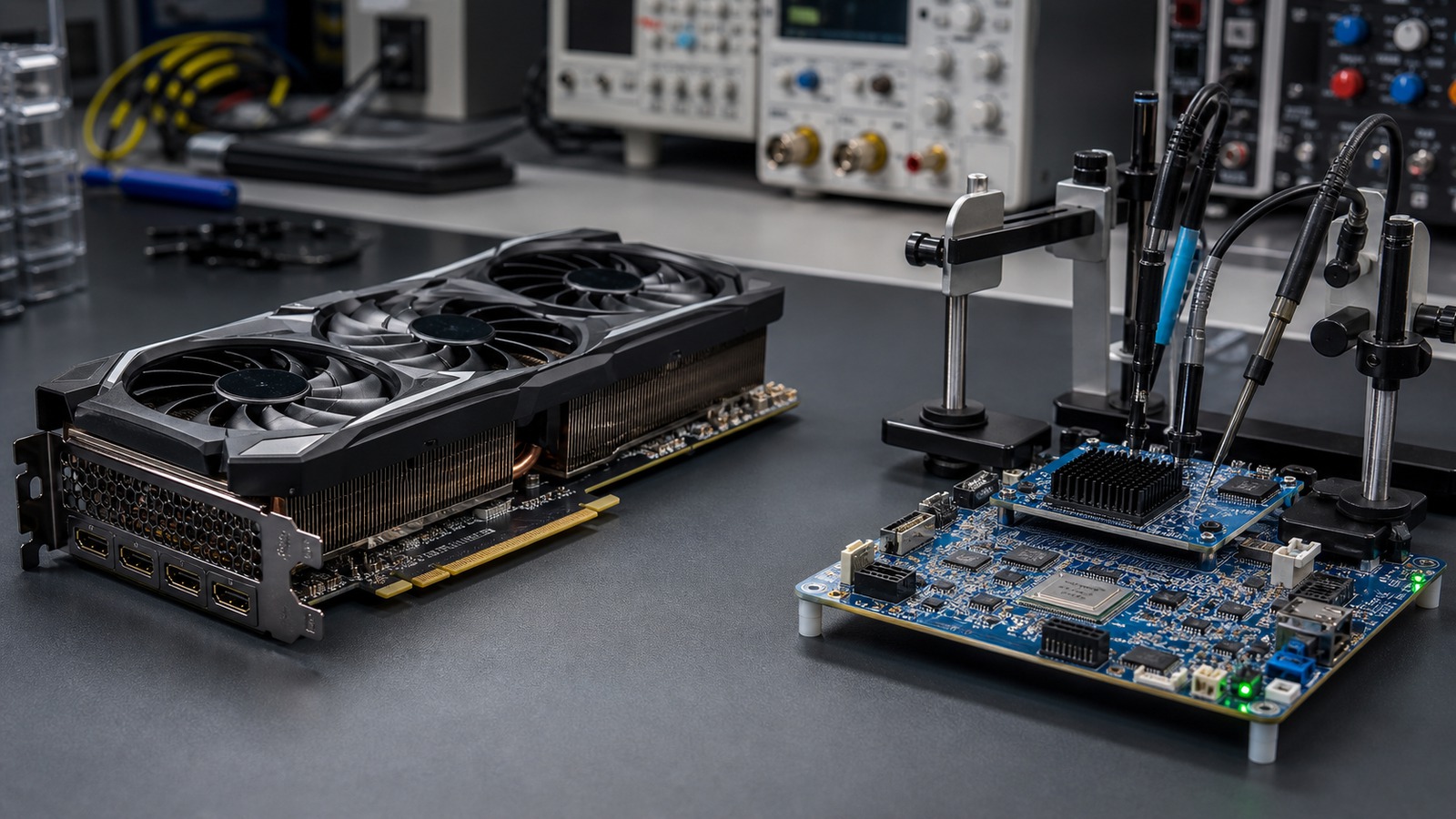
Accelerator comparison
A GPU or NPU becomes useful only through a compatible model artifact, runtime, execution provider, supported operators, memory path, and fallback policy. Peak TOPS and FLOPS are not interchangeable application results.
The short answer
GPUs are commonly used for high-throughput image, video, and generative-AI workloads because mature software stacks expose broad parallel compute. NPUs are designed for efficient, sustained inference when the exact model and operator set fit a supported provider. Those are design roles, not guaranteed results.
The execution chain is the comparison. Trace artifact → runtime → ordered execution providers → supported graph partitions → memory allocations → actual device and fallback. Hardware enumeration alone is not proof of execution.
How work reaches an accelerator
Model representation
Format, operators, opset, shapes, precision, quantization, and custom operations must match the runtime and provider.
Execution provider
The provider identifies graph sections it can execute and supplies hardware-specific kernels, compilers, allocators, and device integration.
Graph partitioning
Unsupported nodes or subgraphs may go to another provider, often CPU. Partial fallback can occur even when the preferred provider registered.
Memory and transfers
Weights, activations, workspace, context or KV cache, inputs, and outputs must be placed. Host/device copies can dominate end-to-end latency.
Compatibility questions
| Gate | GPU question | NPU question | Required evidence |
|---|---|---|---|
| Provider | Does the runtime document CUDA, ROCm, Vulkan, DirectML, Metal, or another path for this GPU? | Does it document the exact OpenVINO, QNN, VitisAI, Core ML, or other NPU path for this device? | Runtime/provider version, device and driver requirements. |
| Operators | Which graph nodes are accepted, optimized, or sent to another provider? | Are operators, shapes, precision, quantization, and compiler restrictions satisfied? | Placement logs, compilation output, and unsupported-node report. |
| Memory | Are device-memory weights, workspace, activations, and cache within VRAM or shared-memory limits? | What memory pool and tensor layouts does the provider use, and what is copied or reserved? | Allocator statistics, runtime memory report, and exact topology. |
| Fallback | Did unsupported work move to CPU or a lower-priority provider? | Did compilation or execution fall back partially or completely? | Ordered provider list, fallback policy, profiling trace. |
| Lifecycle | Are the GPU driver, runtime libraries, and provider versions maintained? | Are the NPU driver, compiler, provider, OS build, and model toolchain maintained? | Current official support matrix and dated test record. |
Why TOPS cannot be ranked against FLOPS
TOPS and FLOPS are peak operation-rate specifications. Their numbers depend on data type, precision, dense or sparse assumptions, what counts as an operation, whether the figure covers a block or whole chip, and whether the workload can keep the units busy. An INT8 sparse TOPS figure and an FP32 FLOPS figure do not describe the same computation.
Even matching peak units does not supply application latency, throughput, quality, energy, or sustained behavior. Memory bandwidth, compiler coverage, tensor shapes, transfers, context, batch size, and software utilization can dominate.
Keep peak figures in the specification column. Compare the same model artifact and quality target with time to first output, inter-output latency, end-to-end latency, single-user and aggregate throughput, whole-system energy, and sustained behavior recorded separately.
Model fit is more than weights
For language models, include weights, runtime allocations, activations or workspace, context/KV cache, batch or concurrency, the operating system, and other applications. Context and concurrency can change capacity while the weights remain identical. Cache offloading or quantization can reduce accelerator memory at a potential latency or throughput cost.
A discrete GPU commonly uses dedicated device memory; integrated accelerators may share system memory. The exact product topology matters. Do not infer it from the words GPU or NPU, and do not treat system RAM and dedicated VRAM as interchangeable.
Fallback is a result, not a footnote
ONNX Runtime can partition a graph among providers. A preferred GPU or NPU may run only part of the model, while unsupported sections execute on CPU. Transfers between devices can then affect end-to-end latency. A moving utilization graph may corroborate activity, but does not prove complete graph placement.
For example, current QNN documentation scopes particular quantization, operator, and shape requirements to specific backends; those restrictions must not be generalized to all NPUs. CUDA and TensorRT paths also have library, workspace, shape, and provider-chain requirements. Every accelerator is a hardware-and-software stack.
How to verify what ran
- Record the exact artifact, hash, precision, shapes or context, batch/concurrency, runtime, provider, driver, OS, and power mode.
- Enumerate available providers only as a preflight; availability is not execution.
- Force the intended provider and disable CPU fallback for a compatibility test where the provider supports that control.
- Capture verbose node-placement or graph-partition logs and compilation errors.
- Enable ONNX Runtime or provider profiling; include per-operator timing and data-transfer evidence where available.
- On Windows ML, capture event-tracing logs that identify requested and selected providers, device/driver information, and errors.
- Corroborate with device telemetry, then measure the representative workload after warm-up for long enough to expose sustained behavior.
Conditional decision guide
Choose an NPU path when
The exact application and model have a mature provider, supported operators and precision, verified graph placement, and a measured sustained or battery benefit for the intended workload.
Choose a GPU path when
The required runtime offers broader kernels, the workload needs measured high throughput or dedicated memory capacity, and the power, cooling, and portability tradeoffs fit.
Use a hybrid design when
The application can deliberately assign separate workloads to different accelerators and verify each path. Do not call an accidental CPU fallback a hybrid strategy.
Prepare the memory and compatibility check
The Local AI Compatibility Guide explains how to bind a model to a runtime and backend. Use its VRAM guide before comparing accelerators for a model that may split between GPU and CPU.
Primary documentation
- ONNX Runtime: execution providers
- ONNX Runtime: graph partitioning and fallback architecture
- ONNX Runtime: placement troubleshooting
- ONNX Runtime: profiling tools
- Microsoft: GPU, NPU, and CPU execution providers
- Microsoft: Windows ML event logs
- ONNX Runtime: QNN provider requirements and profiling
- OpenVINO: NPU device requirements and profiling