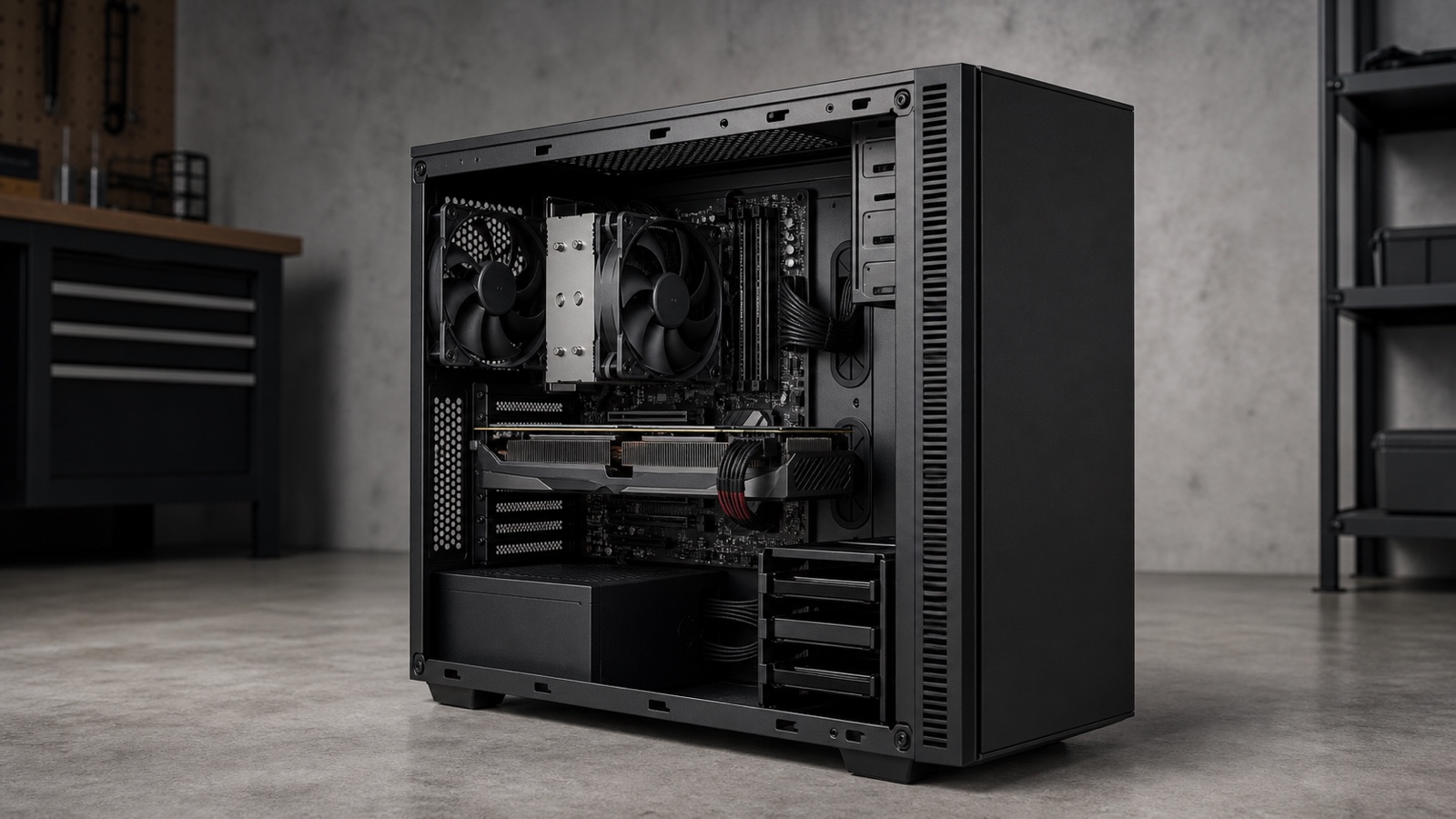
Expandable local AI hardware
Choose an AI desktop as a complete power, cooling, memory, expansion, storage, software, and service configuration. A gaming label or a fast GPU does not establish that the whole system fits the workload.
Distinguish the desktop you are buying
Consumer desktop
May prioritize size, convenience, integrated graphics, and a fixed bill of materials. Verify power-supply headroom, slot space, cooling, firmware, and upgrade access rather than assuming tower expandability.
Gaming desktop
Often includes a discrete GPU, but local-AI suitability still depends on exact VRAM, runtime support, power, cooling, memory, storage, noise, and whether proprietary parts restrict service.
Configurable tower
Can make GPU, memory, storage, power supply, cooling, and networking explicit. The advantage exists only if the selected parts and physical topology are documented and compatible.
Compact or small-form-factor desktop
Trades volume for constraints on GPU dimensions, slot count, power, cooling, cable routing, drive capacity, and acoustic behavior. Verify the ordered chassis, not the family name.
Fit the workload into the right memory pools
Model weights, runtime overhead, activations or workspace, context and KV cache, temporary buffers, operating-system use, and concurrent applications all consume memory. In the common discrete-GPU architecture, system RAM and dedicated VRAM are physically separate. The CPU prepares work in system memory while GPU allocations reside in device memory; data movement and placement affect performance.
GPU offloading can split model layers between CPU and GPU. Multi-GPU support is application-specific and may split layers or tensors rather than present one simple pooled VRAM total. Before buying a second GPU, verify the runtime’s multi-device mode, topology requirements, communication path, supported precision, and measured scaling with the exact workload.
Desktop configuration worksheet
| Subsystem | Evidence to collect | Failure to avoid |
|---|---|---|
| GPU and runtime | Exact GPU, dedicated VRAM, driver, operating system, framework or runtime, backend, model format, and operator support. | Buying for a benchmark or model that uses a different backend, precision, context, or GPU. |
| System memory | Installed capacity, supported modules and ceiling, channel population, ECC support if required, and normal application overhead. | Counting VRAM as system RAM or assuming every slot and module combination is supported. |
| Power supply | Rated output, required GPU connectors, transient and continuous load support, efficiency, physical format, and upgrade margin. | Choosing a GPU that fits the slot but not the power or connector plan. |
| Cooling and acoustics | GPU and CPU cooler clearance, intake and exhaust path, dust service, ambient conditions, fan controls, and noise target. | Using a short benchmark to infer behavior over an hour-long or continuous workload. |
| Expansion and topology | Slot dimensions, lane wiring, spacing, storage interfaces, network options, and access after the GPU is installed. | Assuming a physically present slot has the bandwidth, clearance, or peer path the workload needs. |
| Storage and lifecycle | Model and dataset capacity, scratch demand, backup, drive bays, firmware, warranty, parts, manuals, and upgrade access. | Optimizing compute while the storage path, proprietary component, or unsupported OS blocks the workflow. |
Test sustained behavior, not a launch moment
Record the case, firmware, operating system, driver, runtime, backend, model hash, precision or quantization, context, batch, concurrency, storage path, power state, ambient conditions, and fan policy. Measure first-output latency, steady throughput, peak system RAM and VRAM, temperatures, clocks, throttling, noise, errors, and wall power for the full representative session.
Repeat after warm-up and after a restart. A desktop is a stronger choice than a fixed mobile system when its expansion and service advantages are real, but those advantages disappear when the power supply, chassis, firmware, or proprietary cabling prevents the planned upgrade.
A defensible desktop purchase
The runtime matrix is exact
The ordered GPU and operating system appear in the relevant vendor and runtime compatibility documentation, and device logs prove the expected backend is active.
The chassis supports the lifecycle
Power, cooling, slots, lanes, drives, networking, manuals, parts, and physical access support both the initial configuration and the likely upgrade.
The full workload passes
The model, context, applications, peripherals, noise target, and session duration meet recorded acceptance thresholds without unsupported fallback.
Useful preparation
Use GPU vs NPU for AI to verify the accelerator role, and prepare separate system RAM and VRAM budgets.