- Selected model attempts
- Not recorded
- Selected model charges
- Not recorded
- Human editing
- Not recorded
kingy tested
Reproduce the outcome
- Extract the starter ZIP and open blender-astra-starter/scenes/product_v001.blend. Use File → Save As to create product_v002.blend beside the original before changing anything.
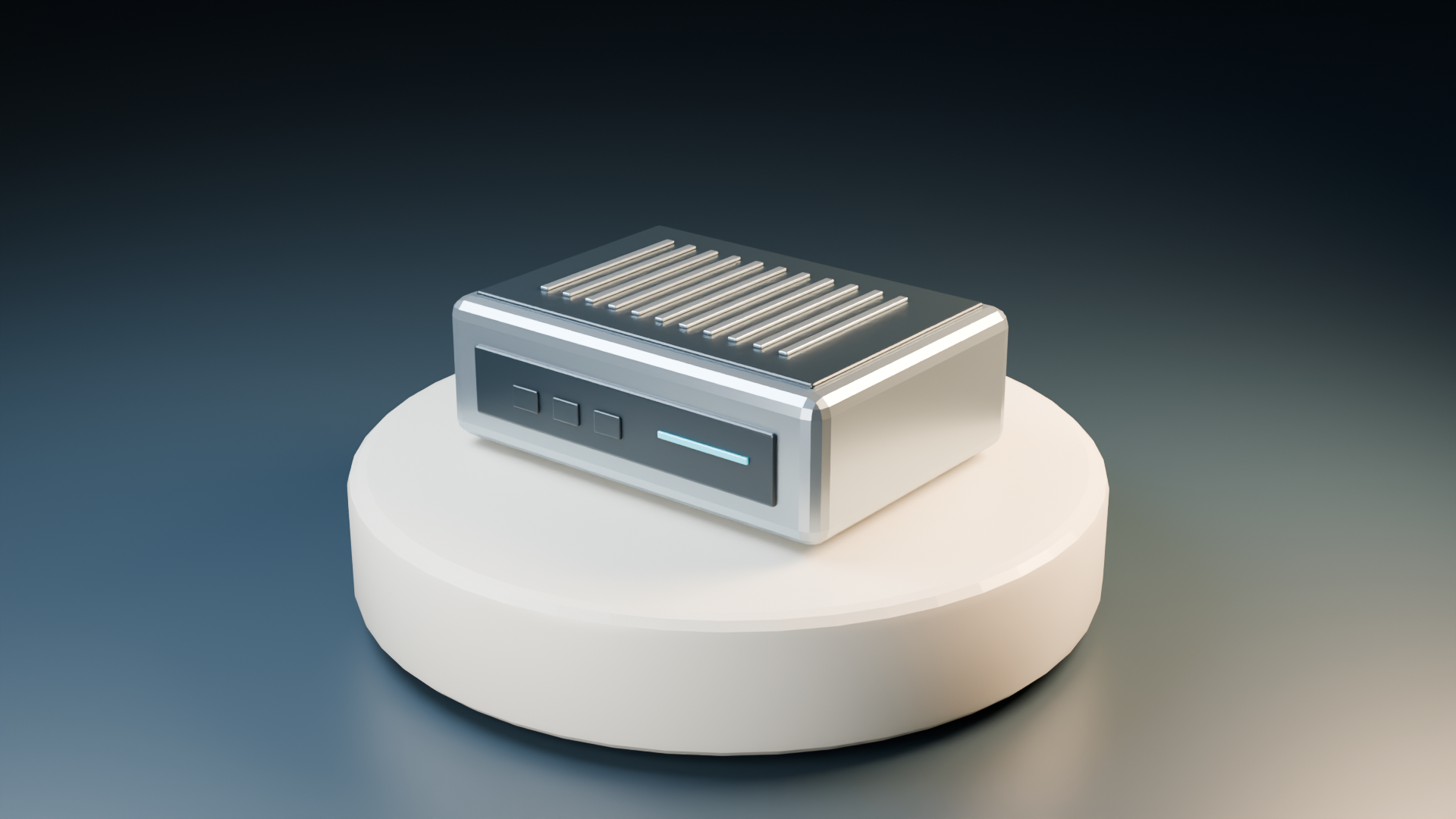
- Open previews/product_0001.png to see the retained result. In Blender use View → Cameras → Active Camera to compare the same view.
- Select Astra_TestObject in the Outliner. Enter Edit Mode to confirm it contains editable geometry, then return to Object Mode. In the Item panel confirm dimensions of approximately 0.14 × 0.10 × 0.045 m. The top panel and cyan status strip are separate objects.
- Choose a roughness comparison below. In the housing material's Principled BSDF change Roughness only, keeping geometry, lights and camera fixed. Save the copy.
- For a small still, set Output Properties → Resolution percentage to 50%, set frame 1, then choose Render → Render Image. Save the result through Image → Save As. The original saved scene retains 1920 × 1080 at 100%.
- If the housing looks featureless white, inspect exposure, light power and roughness; change one variable at a time. If you see a different view, restore the active camera instead of moving the product.
- Completion check: reopen product_v002.blend, confirm the housing dimensions and separate parts remain intact, and inspect the saved PNG for a complete silhouette, readable cyan strip and visible top-panel detail.
- Optional rebuild: open scripts/build_scene.py in Blender's Text Editor, set PROJECT to product and choose a new ROOT folder. Run it in Blender, not system Python. If it refuses to overwrite a scene, choose a new folder; do not delete the original.
Original input and exact settings
- Original editable scene and retained previews in the Kingy.ai starter ZIP.
- Optional rebuild: scripts/build_scene.py, using Blender's own Python.
- renderer
Cycles- samples
32- resolution
1920 × 1080 at 100% in saved scenes- previewResolution
960 × 540 retained checkpoint PNGs- fps
24
Original prompt
I am learning Blender 5.2.1 LTS. Read the attached Kingy.ai build_scene.py. Explain how to run its product project in Blender’s Text Editor. Keep the fictional 140 × 100 × 45 mm enclosure, editable parts, camera, and lights. Do not add dependencies or download assets. Help me save product_v001.blend and inspect product_0001.png. If you cannot execute Blender locally, tell me the actions I must perform.
Attribution and rights: Original Kingy.ai meshes, materials, renders and code; MIT license. Keep LICENSE.txt with redistributed copies. No third-party models, textures or real-product branding are included.
Sources & limits
Kingy.ai Blender guide and original editable starter package
Record checked 2026-09-21.
Files reopened on September 21, 2026; the previews are retained renders from the original September 5 project. No new image or movie was rendered for this recipe.
Original model attempts, charges and active human editing time were not recorded. This retained project does not establish a one-prompt success rate.
The enclosure is fictional. Its suggested ports and panels are illustrative; it is not a tested computer, printable enclosure or accurate real-product model.