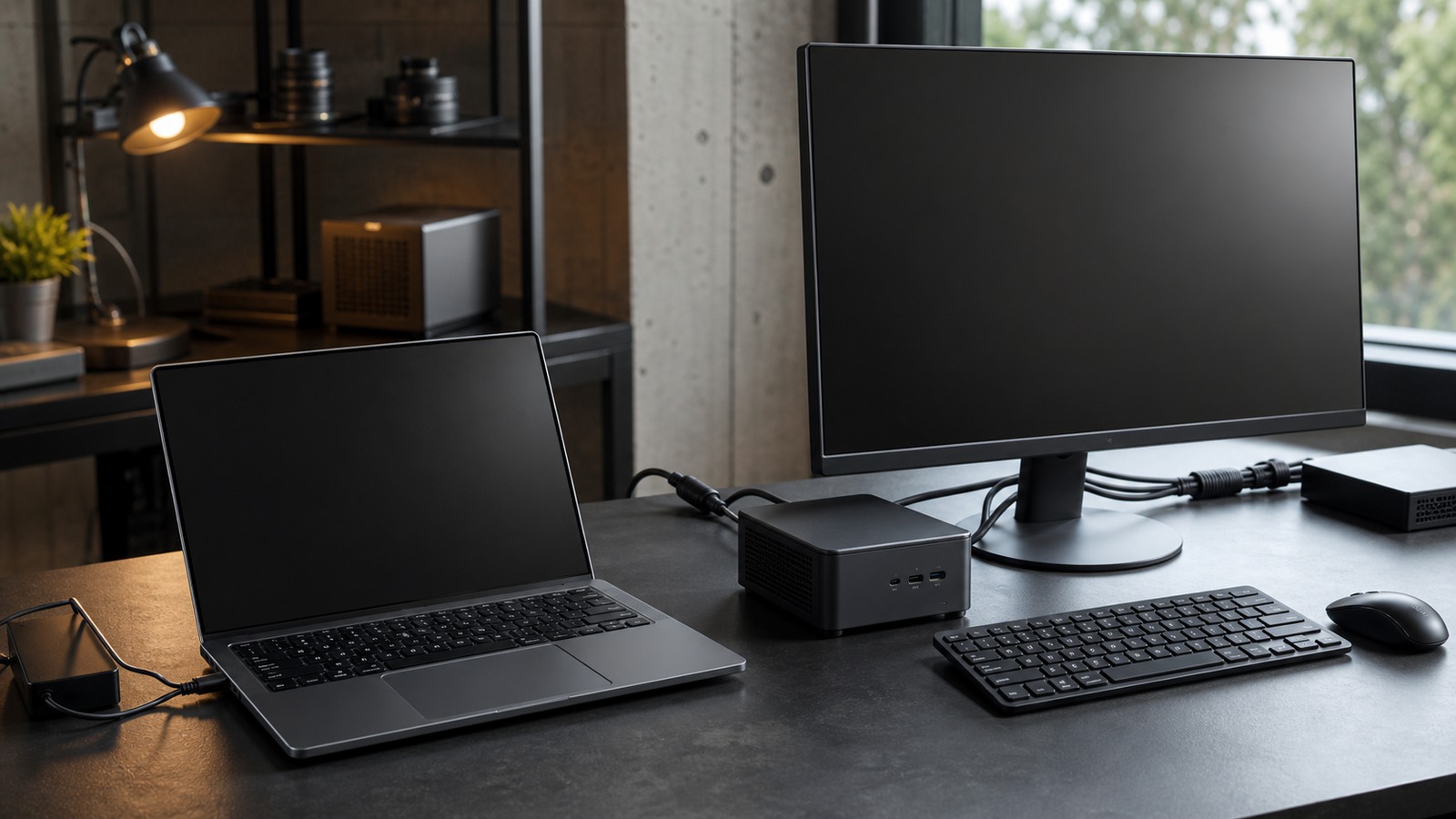
Form-factor comparison
An AI laptop and an AI mini PC are not stable performance categories. Compare exact configurations by model fit, runtime backend, memory placement, sustained power, mobility, ports, and serviceability.
Continue through Kingy’s AI Hardware hub for the wider map of compatibility checks, system comparisons and buying guidance.
The short answer
A laptop packages display, battery, keyboard, cooling, and compute into a mobile system. A mini PC spends its space and power budget differently and may expose more ports, storage, memory, or continuous cooling. Neither form factor tells you which accelerator is installed or whether your runtime can use it.
Compare the bill of materials, not the product label. Record the exact CPU, integrated or discrete GPU, NPU, system RAM, dedicated VRAM, storage, power profile, operating system, runtime, backend, and model artifact for both candidates.
Start with the operating scenario
Mobile interactive work
Battery behavior, weight, screen, input devices, suspend and resume, and performance away from wall power may decide the result.
Always-on local service
Idle power, wired networking, storage, cooling, remote administration, restart behavior, and sustained concurrency matter more than portability.
Large local models
The decisive questions are model placement, context or KV-cache growth, runtime overhead, available RAM or VRAM, and whether partial offload remains useful.
Image, audio, or video pipelines
Operator coverage, framework backend, activations, media I/O, scratch storage, and accelerator memory can outweigh language-model token throughput.
Exact-configuration comparison
| Decision factor | Laptop evidence to collect | Mini-PC evidence to collect |
|---|---|---|
| Accelerator path | Exact GPU or NPU, driver, execution provider, power state, and whether the application falls back to CPU. | Exact integrated or discrete accelerator, supported backend, driver, and whether an external accelerator is part of the plan. |
| Memory placement | Installed RAM, dedicated VRAM if present, memory shared with an integrated GPU, and capacity remaining after the OS and normal apps. | Installed and maximum RAM, dedicated VRAM if present, shared-memory policy, and whether memory or storage is serviceable. |
| Sustained operation | Plugged-in and battery power modes, fan behavior, surface temperature, and performance over the full representative session. | Configured power mode, cooling path, ambient assumptions, fan behavior, and performance under continuous service load. |
| Connectivity | Required display, network, storage, camera, dock, and charging ports without assuming a dock is transparent to the workflow. | Required network, display, storage, camera, USB, and expansion paths, including any bandwidth shared between ports. |
| Lifecycle | Battery service, memory and storage upgrade limits, warranty, driver support, and the cost of replacing the whole mobile system. | Memory and storage access, fan service, external power supply, remote recovery, driver support, and replacement of individual parts. |
Build the whole memory budget
The model file is not the full requirement. Include model weights, runtime allocations, activations, context or KV cache, system services, and other open applications. Dedicated VRAM and system RAM are separate pools on a discrete-GPU system; integrated GPUs and Apple silicon use shared or unified memory models, but the entire installed capacity is not available to one workload.
For llama.cpp-based applications, GPU offload can place some layers on an accelerator and leave the rest on the CPU. That can make an otherwise too-large model runnable, but it does not guarantee useful latency or throughput. LM Studio exposes context, GPU-offload, and KV-cache placement settings, while Ollama documents checking model placement with ollama ps.
Use the system RAM and VRAM guides to prepare the budget for the exact workload.
When each form factor can fit
A laptop can fit
You need a self-contained mobile workstation, the required runtime supports its exact accelerator, the workload fits within available memory, and measured performance in the intended power state is acceptable.
A mini PC can fit
The system will stay at a desk or edge location, its ports and serviceability suit the deployment, and it sustains the required workload without relying on an unsupported accelerator or memory configuration.
Neither is established yet
If the exact model, backend, memory placement, context, and sustained test are unknown, there is not enough evidence to choose. A chassis category or “AI” badge cannot fill those gaps.
A fair comparison packet
Record device model and configuration, BIOS or firmware, operating system, driver, runtime and backend, model artifact and hash, quantization or precision, context, concurrency, prompt or media input, accelerator placement, memory use, first-output latency, throughput, wall or battery power state, temperature or throttling evidence, noise, and session duration. Repeat after warm-up with the same peripherals and settings.