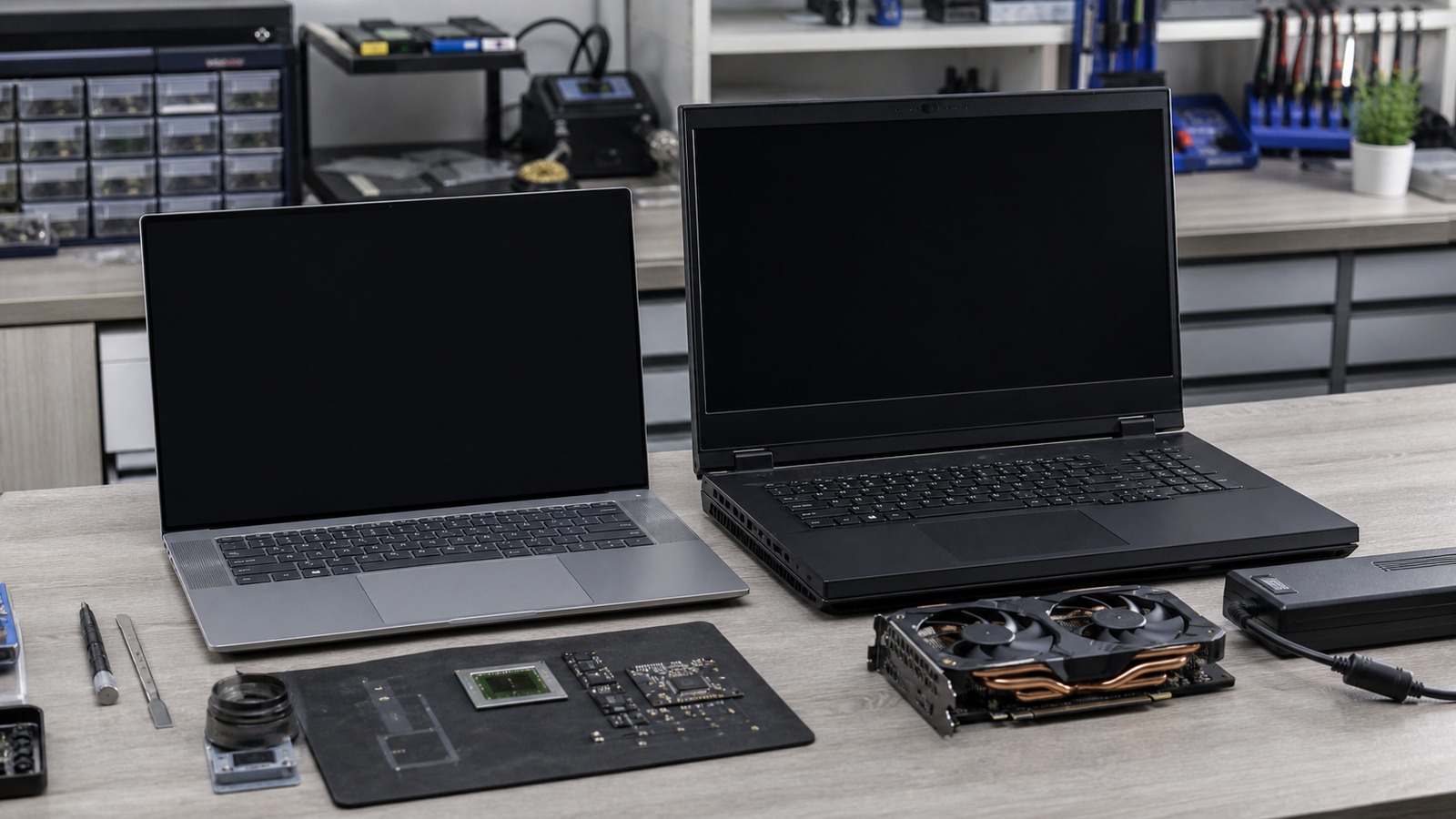
Laptop comparison
An “AI laptop” may add an NPU and emphasize efficiency; a gaming laptop may offer a larger discrete-GPU path. The useful choice depends on the exact model, runtime, memory placement, and sustained workload.
The short answer
Choose by the accelerator your software can actually use. A supported NPU can be valuable for efficient, sustained on-device inference, but the model must match its format, operators, execution provider, driver, and memory limits. A supported discrete GPU often provides a broader path for high-throughput language, image, video, and generative workloads, but consumes more power and uses a separate VRAM pool.
Do not compare the labels. Record the exact CPU, GPU, NPU, RAM, VRAM, power mode, runtime, backend, model artifact, and context. Two laptops in the same marketing category can have materially different configurations.
Define the local-AI workload
Interactive LLM use
First-token latency, model capacity, context length, and whether weights stay fully on the intended accelerator matter more than a generic AI score.
Image and video generation
Pipeline activations, supported kernels, dedicated VRAM, and mature GPU backends may dominate. Do not apply an LLM parameter rule to a diffusion or video pipeline.
Background inference
Noise, battery drain, idle power, thermals, and an NPU-compatible model may matter more than peak throughput.
Training or fine-tuning
Framework support, precision, memory capacity, bandwidth, sustained cooling, and power limits must be checked separately from inference.
What to compare
| Decision factor | AI-laptop question | Gaming-laptop question |
|---|---|---|
| Runtime support | Does the runtime expose an execution provider for this exact NPU, driver, OS build, model format, and operator set? | Does the runtime support the installed GPU through CUDA, ROCm, Vulkan, DirectML, or another documented backend? |
| Memory | How much system or shared memory is available after the OS and other applications, and what does the NPU backend allocate? | Can weights, context cache, and runtime buffers fit in dedicated VRAM, or will layers spill to CPU and system RAM? |
| Sustained operation | Can the intended background or interactive workload remain responsive within the chassis power and thermal policy? | Does plugged-in performance remain stable over the full session, and what fan noise and surface temperature accompany it? |
| Battery and mobility | Does the supported NPU path materially serve the workload away from a socket? | Does the discrete GPU remain usable on battery, and how do reduced power limits affect the result? |
| Lifecycle | Are the NPU driver, execution provider, and model toolchain maintained for the expected ownership period? | Are GPU drivers, runtime packages, VRAM capacity, and cooling serviceability adequate for future models? |
Memory placement changes the comparison
Model weights are only the starting allocation. Add runtime overhead, context or KV cache, vision encoders, the operating system, and other applications. Dedicated VRAM cannot be treated as extra system RAM, while shared memory is not entirely available to the accelerator.
For a GPU-backed LLM, use runtime tools to confirm full or partial offload. Ollama documents placement reporting with ollama ps, and LM Studio can estimate the selected model, context, and offload configuration before loading. For an NPU path, confirm that the execution provider registered and that the graph did not silently fall back to CPU.
Use the published RAM and VRAM guides to build the full budget before comparing chassis.
When each direction can make sense
An NPU-focused laptop can fit
Your exact application documents the NPU path, the model and operators are supported, the workload benefits from low-power continuous inference, and portability or battery behavior matters more than maximum throughput.
A gaming laptop can fit
Your workloads already have a mature discrete-GPU backend, dedicated VRAM fits the required models, image or video pipelines matter, and you accept the size, power, noise, and plugged-in operating assumptions.
Neither label decides the purchase
If the required model does not fit, the runtime uses CPU fallback, or the chassis cannot sustain the workload, the category name is irrelevant. Verify the exact configuration before buying.
A fair evaluation packet
Record the exact model file and hash, precision or quantization, runtime and backend version, context, concurrency, prompt or media input, power mode, wall power or battery state, placement report, memory use, first-output latency, throughput, session duration, temperature or throttling evidence, and noise conditions. Repeat after warm-up. Do not compare results collected with different contexts, offload settings, or power modes.