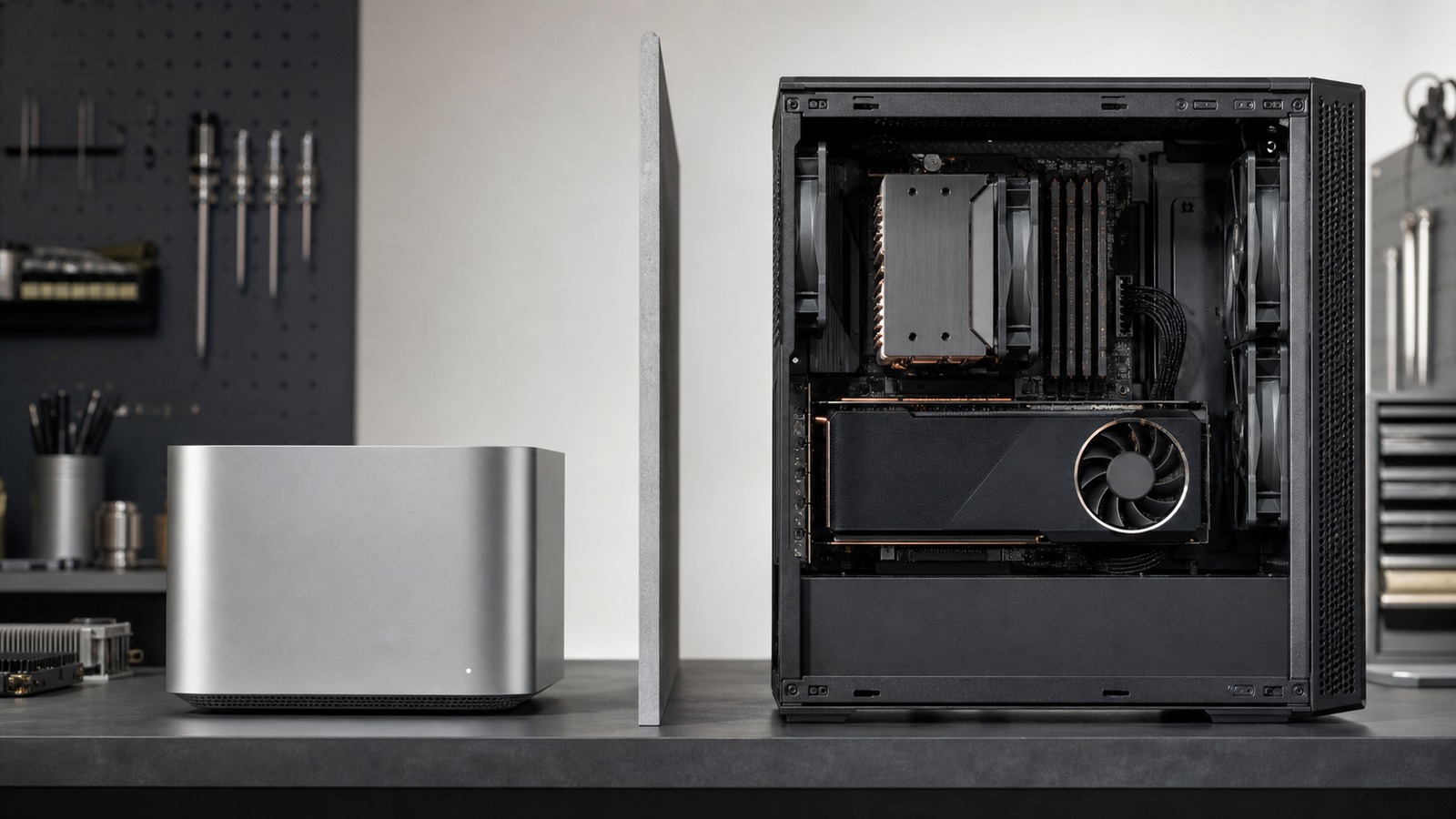
Accelerator and memory comparison
Apple silicon and NVIDIA GPUs offer different memory paths, software backends, device choices, and operating constraints. The useful comparison fixes an exact model, runtime, backend, and workload before measuring either platform.
For more fit checks and buying paths around this platform choice, continue through the AI Hardware hub.
The short answer
Apple silicon gives the CPU and GPU direct access to one unified memory pool, and Apple’s MLX framework is designed around that architecture. A conventional NVIDIA desktop or laptop GPU normally has dedicated device memory separate from CPU host memory, with CUDA managing placement and transfers. That distinction affects model capacity and data movement, but it does not decide compatibility or performance by itself.
Name both the machine and the execution path. “Mac” and “NVIDIA” span many memory capacities, GPU generations, power limits, and software versions. A result is meaningful only for the recorded device, runtime, backend, model artifact, context, and power state.
Start with the runtime backend
MLX
MLX is designed for Apple silicon. Its arrays live in unified memory and its documented device types are CPU and GPU; do not assume an MLX workload ran on the Neural Engine.
Metal and MPS
llama.cpp supports a Metal backend on Apple silicon, and PyTorch exposes an MPS device for GPU execution on macOS. Operator and version support still need to be checked.
CUDA
CUDA is NVIDIA’s heterogeneous computing platform. The host CPU and GPU device have distinct roles and, on discrete systems, distinct directly attached memory.
TensorRT and application runtimes
TensorRT support depends on GPU architecture, CUDA, drivers, platform, and version. Application-level support may differ from what the underlying hardware can theoretically execute.
What must stay explicit
| Question | Apple-silicon path | NVIDIA-GPU path |
|---|---|---|
| Model placement | How much unified memory remains after macOS and other applications, and which MLX, Metal, MPS, or Core ML device actually executes the graph? | Do model weights, runtime buffers, activations, and context cache fit in dedicated VRAM, or does the runtime split work with CPU and system RAM? |
| Backend support | Does the exact runtime version support the model format, operators, precision, and macOS release through its Apple backend? | Does the exact runtime support the GPU architecture, driver, CUDA version, model format, operators, and requested precision? |
| Context and concurrency | How does context or KV-cache growth share the unified pool with weights, the OS, and concurrent requests? | Where is the KV cache placed, how much VRAM remains after weights, and what moves to host memory when capacity is exceeded? |
| Fallback | Did unsupported work move to CPU, or did the runtime reject it? Do not infer device use from the application name. | Did layers remain on the GPU, split across CPU and GPU, or fall back? Confirm with the runtime’s placement or profiling tools. |
| Sustained workload | Record the exact SoC, enclosure, power mode, memory pressure, thermals, and performance after warm-up. | Record the exact GPU, VRAM, chassis, board power policy, cooling, driver, and performance after warm-up. |
Unified memory is not the same as VRAM
Unified memory can let Apple’s CPU and GPU operate on the same arrays without the explicit device copies typical of a discrete-GPU design. It is still a finite system resource shared with the operating system and other processes. Installed unified memory should not be presented as entirely available accelerator memory.
Dedicated VRAM is attached to the NVIDIA GPU and is not interchangeable with system RAM. CUDA documents host memory and device memory as separate physical memory domains on conventional heterogeneous systems. Some runtimes can partially offload a model that exceeds VRAM, but data movement and CPU execution can change latency and throughput.
In both cases, add model weights, runtime allocations, activations, context or KV cache, batching or concurrency, system software, and other applications. The RAM and VRAM guides provide a workload-specific budgeting method.
No platform wins every workload
Local LLM inference
Compare the same model artifact, quantization, context, batch or parallel settings, runtime version, and placement. Capacity, first-token latency, sustained token rate, and responsiveness are separate results.
Image and video generation
Check the specific pipeline, operators, precision, framework, and activation memory. An LLM result does not establish performance for a diffusion or video model.
Training and fine-tuning
Framework coverage, gradients, optimizer state, precision, memory capacity and bandwidth, multi-device support, and sustained cooling require a separate comparison from inference.
Application deployment
Operating-system requirements, model conversion, driver maintenance, packaging, monitoring, and target-user hardware can be more important than a single-machine throughput result.
A reproducible comparison packet
Record the exact Mac or GPU model, installed unified memory or system RAM and VRAM, operating system, driver, runtime and backend, model artifact and hash, quantization or precision, context, batch and concurrency, placement report, memory use, first-output latency, throughput, warm-up, session duration, power state, temperature or throttling evidence, and any CPU fallback. If one platform requires a different model or precision, report it as a different test.