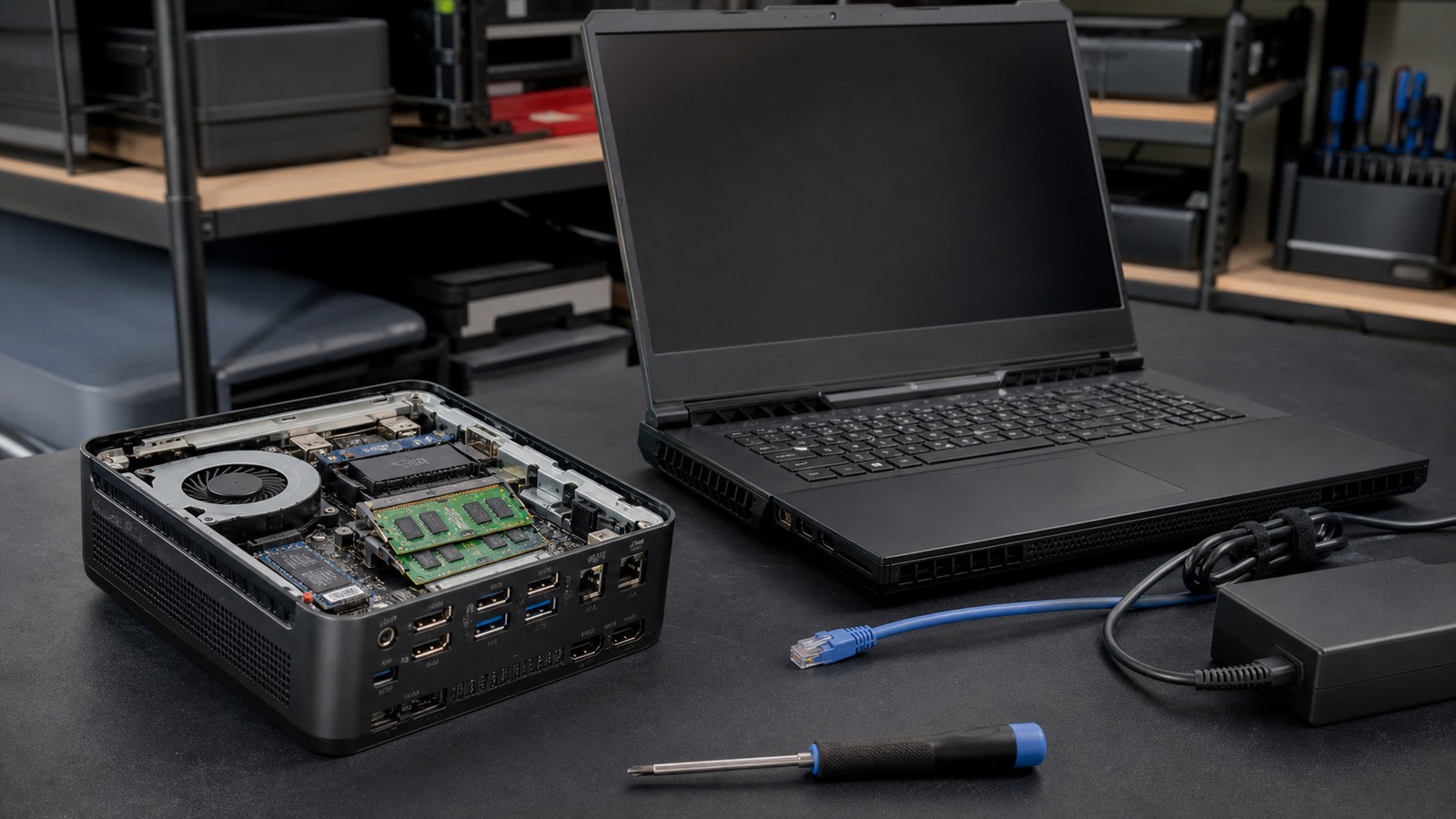
Form-factor comparison
A mini PC can be a compact, stationary local-AI node; a gaming laptop can combine a screen, battery, and discrete GPU. Compare exact hardware and sustained workloads, not the silhouettes.
The short answer
A mini PC can make sense when the system stays at a desk, ports and storage matter, memory or storage are serviceable, and an integrated, external, or discrete accelerator supports the workload. A gaming laptop can make sense when mobility, a built-in display and battery, and a supported mobile GPU are worth the limits of a compact mobile chassis.
Form factor does not reveal the compute path. Some mini PCs rely on CPU or integrated graphics; others include discrete graphics. Gaming laptops also vary in GPU model, VRAM, power limits, cooling, and upgradeability. Compare the exact configuration.
Decision factors
| Factor | Mini PC | Gaming laptop |
|---|---|---|
| Accelerator path | Confirm CPU, integrated GPU, discrete GPU, NPU, or external-device support and the runtime backend for each. | Confirm the installed mobile GPU, dedicated VRAM, supported backend, driver, and whether the NPU is relevant to the chosen application. |
| Memory placement | Shared system memory may serve CPU or integrated graphics; a discrete GPU has a separate VRAM pool. Neither arrangement is implied by “mini.” | System RAM and dedicated VRAM are separate. A model that exceeds VRAM may split across GPU and CPU, reducing the value of the discrete path. |
| Sustained power | A stationary power supply and chassis can favor long sessions, but compact cooling and firmware limits still need verification. | Plugged-in modes may allow more performance than battery operation, while a thin chassis may change clocks, noise, or temperature over time. |
| Ports and storage | Check display, network, external storage, accelerator enclosure, and local dataset needs. Do not assume a connector supports the bandwidth a device requires. | Check the same interfaces plus docking behavior. Built-in display and input devices reduce desk peripherals but do not replace storage planning. |
| Service and upgrades | Verify whether RAM, storage, wireless modules, fans, and power supply are accessible and supported. | RAM and storage may be replaceable, partly soldered, or fixed; the CPU and GPU are generally not upgrade paths. |
| Mobility | Small size is transportable, but operation normally requires external power, display or remote access, and input devices. | Battery, display, keyboard, and trackpad enable mobile use, but the full AI workload may still assume mains power. |
Match the workload to the whole system
Private chat and coding
Model fit, context cache, first-token latency, sustained token generation, and the other applications in memory determine usefulness.
Image or video pipelines
Dedicated VRAM, framework kernels, storage bandwidth, thermals, and long render sessions may outweigh the convenience of either form factor.
Always-on local service
Network stability, authentication, concurrency, idle power, cooling, monitoring, and recovery matter as much as single-user speed.
Portable demonstrations
A laptop can reduce peripherals, but verify battery-mode behavior and whether the required model remains on the intended accelerator.
Build the memory budget before choosing
Start with the exact model weights, then add runtime allocations, context or KV cache, vision components, operating-system use, and other applications. For an integrated GPU or unified pool, the advertised system-memory total is shared. For a discrete GPU, VRAM is a separate capacity and does not become general system RAM.
LM Studio documents an estimate-only load path that respects context and GPU-offload settings. Ollama documents context memory and a placement report. These tools answer a configuration-specific question; they do not convert a mini PC or gaming laptop into a universally compatible category.
Review the AI mini PC compatibility guide and the local-AI VRAM guide before comparing devices.
Sustained operation is a separate test
A successful model load establishes compatibility, not sustained performance. Run a representative session after warm-up and record power mode, placement, memory use, temperature or throttling evidence, fan behavior, latency, throughput, and responsiveness. Repeat with the device in its intended physical setup. A mini PC hidden in a cabinet and a laptop on battery are different operating conditions from an open desk and mains power.
A practical choice rule
Favor the mini PC direction when
The workload is stationary or remotely accessed, the exact accelerator path is supported, ports and serviceability suit the deployment, and the compact chassis sustains the required session.
Favor the gaming-laptop direction when
The supported mobile GPU and its VRAM fit the workload, portability is genuinely required, and plugged-in power, noise, cooling, and future upgrade limits are acceptable.
Reject both candidates when
The model does not fit, the runtime falls back to an unsuitable path, or the intended operating condition cannot sustain the workload. A different desktop, workstation, Mac, or cloud-assisted design may be more appropriate.