Mini PC compatibility
Yes—an AI mini PC can run local LLMs when the exact runtime, model, memory layout, and processor backend match. The product label and NPU TOPS figure do not settle that question.
Use Kingy’s AI Hardware hub to connect this mini-PC fit check with memory guidance, comparisons, buying options, tested results and current releases.
The practical answer
A mini PC can be a compact local-AI machine, but “mini PC” describes a chassis class rather than a common execution path. One system may have a socketed desktop CPU and replaceable memory; another may combine mobile-class silicon, shared memory, and a strict power envelope; an Apple Silicon desktop uses unified memory; and a compact workstation may include a discrete GPU.
Compatibility begins with the software. Confirm the operating system, runtime, exact model artifact, quantization or precision, and intended backend. Then estimate model weights, context or KV cache, runtime workspaces, multimodal components, and operating-system headroom.
Verify the exact box, not the badge. Record CPU, integrated or discrete GPU, NPU, system RAM, dedicated VRAM, memory upgradeability, storage, supported drivers, and the manufacturer’s documented power and cooling configuration.
Four execution paths that should not be conflated
CPU
The broadest fallback for many GGUF runtimes. A successful CPU load proves compatibility with that model and context, not that the response speed will suit every workload.
Integrated GPU
Usually shares system memory. Acceleration depends on the runtime, driver, API, and model format. Shared capacity is not the same thing as a dedicated VRAM pool.
Discrete GPU
Has its own VRAM and may enable broader full-GPU placement. The exact backend—such as CUDA, Vulkan, HIP, SYCL, or DirectML—must be supported by the runtime build.
NPU
Runs models prepared for a compatible execution provider. Windows ML and Foundry Local document specific NPU paths, but a generic desktop GGUF runtime does not automatically use an available NPU.
Apple unified memory
CPU and GPU access one shared pool. Model weights, cache, macOS, and applications compete inside that advertised total rather than using separately additive RAM and VRAM.
Hybrid placement
Some runtimes split layers or cache between CPU, GPU, system RAM, and VRAM. A model that loads through partial offload may behave differently from a full-GPU placement.
Match the operating system, runtime, and backend
| Path | What current documentation establishes | What still needs verification |
|---|---|---|
| Windows ML | Compatible ONNX models can use Windows-managed CPU, GPU, and NPU execution providers. | Exact ONNX model, installed provider, driver, supported operators, and actual device selection. |
| Foundry Local | Chooses hardware-specific variants for supported models and can fall back among NPU, GPU, and CPU paths. | Catalog availability, selected variant, current SDK status, and memory required by that model. |
| LM Studio | Documents operating-system and processor baselines; its loader can estimate memory for model and context choices. | Exact artifact, context, GPU-offload configuration, and whether the mini PC’s GPU is supported. |
| Ollama | Documents current GPU backends and provides placement information through ollama ps. |
Driver compatibility, model tag, context, and whether placement is CPU, GPU, or split. |
| llama.cpp | Supports multiple CPU and GPU backends and hybrid CPU/GPU inference. | The exact build flags, backend initialization, model format, quantization, and offloaded layers. |
Memory must be planned by placement
Model weights are the predictable starting allocation, not the total. Context length increases KV-cache requirements. Runtimes allocate workspaces and buffers. Multimodal models may add vision or audio encoders, while image-generation pipelines can add text encoders, a denoiser, a decoder, and activation memory.
On a discrete-GPU mini PC, system RAM and VRAM are separate budgets. Partial GPU offload can keep some layers in system RAM, but that does not make a shortfall free: it changes the path and may change responsiveness. On integrated graphics, CPU and GPU compete for system memory. On Apple Silicon, treat unified memory as one shared pool with operating-system and application headroom.
Use the public RAM planning guide and VRAM planning guide to estimate the exact workload rather than starting from a universal tier.
Compact design changes the purchase check
Cooling and power limits can determine sustained behavior even when software compatibility is established. Do not infer sustained performance from the processor name alone; use the exact manufacturer specification and, after purchase, observe the real workload over the duration that matters.
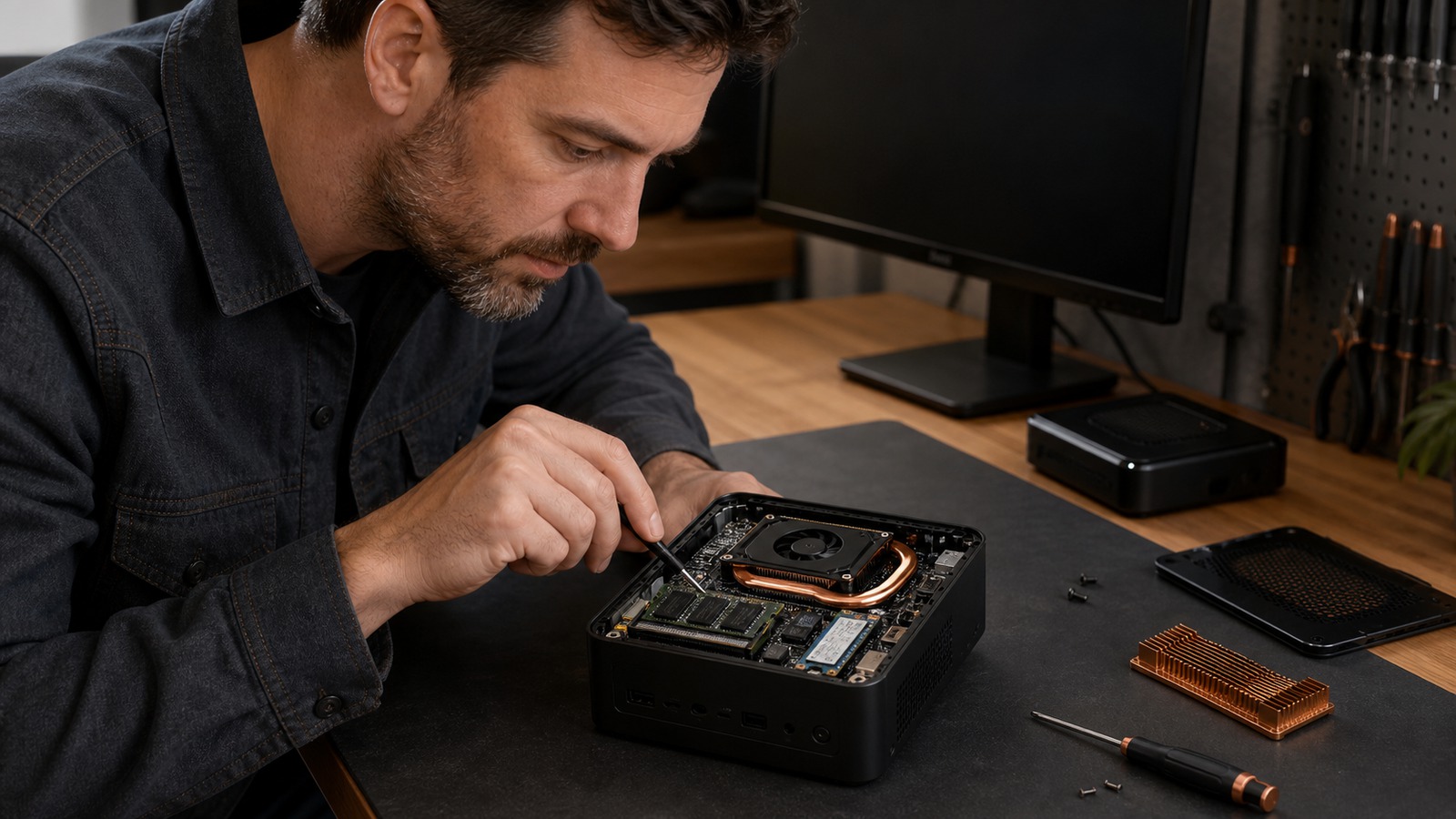
Memory and storage upgradeability also vary. Confirm the number of memory slots, maximum supported capacity, whether memory is soldered, available storage interfaces, and warranty or service constraints in the exact model’s documentation. A configuration that fits today but cannot accommodate the intended context, concurrent users, or larger multimodal components may have a short useful life.
A defensible mini-PC compatibility check
- Define the workload: short chat, long-context analysis, coding, image generation, multimodal input, or a concurrent service.
- Select the runtime and operating system before selecting hardware.
- Choose the exact model artifact, quantization or precision, modalities, and intended context.
- Confirm which CPU, GPU, or NPU backend supports that model and runtime.
- Estimate weights, cache, runtime buffers, application load, and system headroom.
- Confirm RAM/VRAM placement, upgradeability, storage, power supply, and cooling documentation.
- Load the model and inspect actual processor and memory placement.
- Run the representative workload long enough to expose memory pressure and sustained power or thermal limits.
AI mini PC local LLM FAQ
Does an NPU make a mini PC compatible?
No. It supplies a possible execution device. The runtime, model format, operators, driver, and execution provider must all support that exact NPU path.
Is shared graphics memory the same as VRAM?
No. Integrated graphics usually reserve or dynamically use system memory; a discrete GPU has its own VRAM pool. Apple unified memory is another shared architecture. Plan each according to the runtime’s real placement.
Is a mini PC automatically better than an AI laptop?
No. A mini PC may offer more upgradeability or sustained cooling, while a laptop adds a battery, display, and portability constraints. Compare exact configurations using the AI laptop compatibility guide.