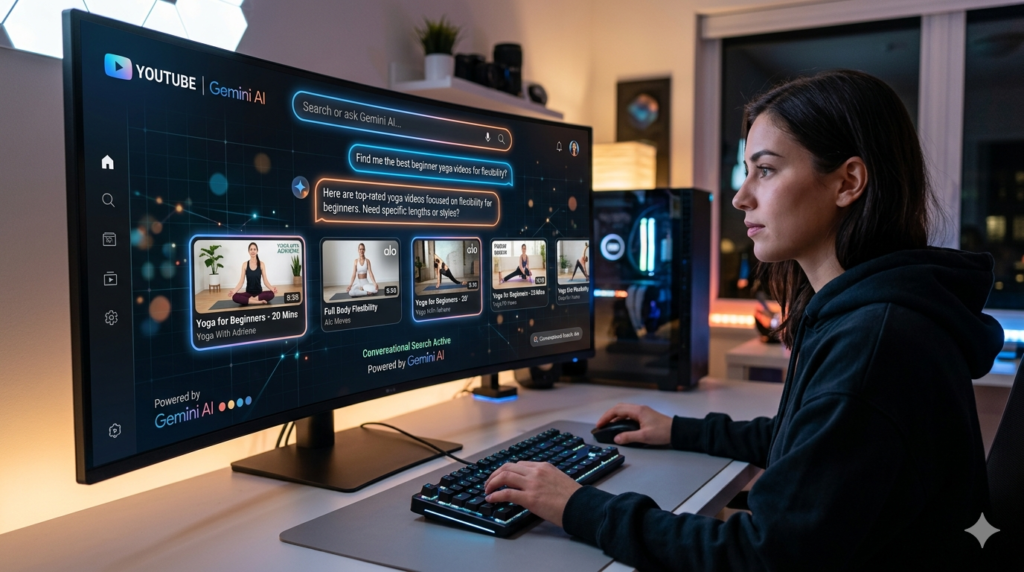
The Search Bar Just Got a Whole Lot Smarter
Let’s be real for a second. Searching on YouTube has always felt a little… clunky. You type in a few keywords, scroll through a wall of thumbnails, click on something that looks right, and then realize three minutes in that it’s not what you wanted at all. Rinse and repeat.
Well, Google just decided to blow that whole experience up, in the best way possible.
On April 28, 2026, Google quietly rolled out a brand-new feature called “Ask YouTube” a conversational AI chatbot baked directly into YouTube’s search bar. It’s live right now for YouTube Premium subscribers in the US who are 18 or older. And if early tests are anything to go by, this thing is genuinely impressive.
Think of it like this: instead of typing “Apollo 11 documentary,” you can now ask, “Can you give me a short history of the Apollo 11 moon landing?” and YouTube actually answers you. With text, videos. and Shorts. All organized into a neat, AI-generated page that feels less like a search result and more like a conversation.
This is a big deal. Let’s break it all down.
What Exactly Is “Ask YouTube”?
Here’s how it works in practice. When you open the YouTube search bar, you’ll now see an “Ask YouTube” button. Tap it, and you’re greeted with suggested prompts things like “funny baby elephant playing clips,” “summary of the rules of volleyball,” or “short history of the Apollo 11 moon landing.”
You can also leave the search box blank, hit the Ask YouTube button, and land on a full page with a text box ready for your question. It’s clean. It’s intuitive. It feels like texting a friend who happens to know everything on YouTube.
The Verge’s Jay Peters tested the feature firsthand. He typed in the Apollo 11 prompt and got back a page packed with a text summary of the mission, a bulleted list of key milestones, timestamped video clips, and galleries of videos organized under headers like “From Launch to Splashdown” and “Historic Footage and Behind-the-Scenes.” There were even YouTube Shorts about moments on the lunar surface.
At the bottom? More suggested follow-up prompts. “Who were the Apollo 11 astronauts?” Click that, and you get a new page with a grid featuring Neil Armstrong, Buzz Aldrin, and Michael Collins. It’s genuinely slick.
But and this is important it’s not perfect. Peters caught a factual error: Ask YouTube claimed the original Steam Controller had no joysticks, when it actually has one. Small mistake, but a good reminder. AI is helpful. AI is not infallible. Always double-check.
This Isn’t Just a Chatbot. It’s a Full Search Overhaul.
Here’s where things get really interesting. Ask YouTube isn’t just a cute new button. It represents a fundamental shift in how Google thinks about video discovery.
Traditional YouTube search works like a database query. You type keywords. The algorithm matches them to titles, tags, and descriptions. You get a list. Done.
Ask YouTube flips that model on its head. Instead of returning a list of videos, the AI assembles a response. It mixes longform content, Shorts, and text explanations into a single, cohesive answer. It’s the same pattern Google deployed with AI Overviews in Search, where the goal is to answer your question directly, not just point you toward sources.
TechBuzz.ai describes it perfectly: “The interface represents Google’s attempt to make video discovery feel less like database querying and more like having a conversation with someone who knows YouTube’s entire catalog.”
That’s exactly what it feels like. And for a platform where users already spend an average of 48 minutes per day, that’s a powerful upgrade.
Why Is Google Doing This Now?
Timing is everything in tech. And Google’s timing here is very deliberate.
OpenAI, Perplexity, and a wave of AI-native startups are building conversational search experiences from scratch. They’re fast. They’re smart. And they’re coming for Google’s crown.
Google can’t afford to let YouTube, its most valuable content platform, feel outdated. So it’s doing what it does best: taking its existing ecosystem and injecting AI into every layer of it.
Ask YouTube is just one piece of a much larger puzzle. According to Startup Fortune, Google has already been running AI-powered search carousels for YouTube Premium users since June 2025, surfacing video clips alongside AI-generated text summaries for shopping, travel, and location queries. YouTube CEO Neal Mohan confirmed in January 2026 that more than 20 million users per month used the Ask conversational AI tool in December alone.
Twenty million. Per month. That’s not a test anymore. That’s a product.
And the scale only grows from here. YouTube has 2 billion logged-in monthly users. That’s a deployment surface no other AI platform can match. Google is systematically turning its largest consumer product into a front-end for Gemini-powered discovery, and Ask YouTube is the most visible sign of that transformation yet.
Gemini Is Everywhere — And That’s the Point
Let’s zoom out for a second, because Ask YouTube doesn’t exist in a vacuum.
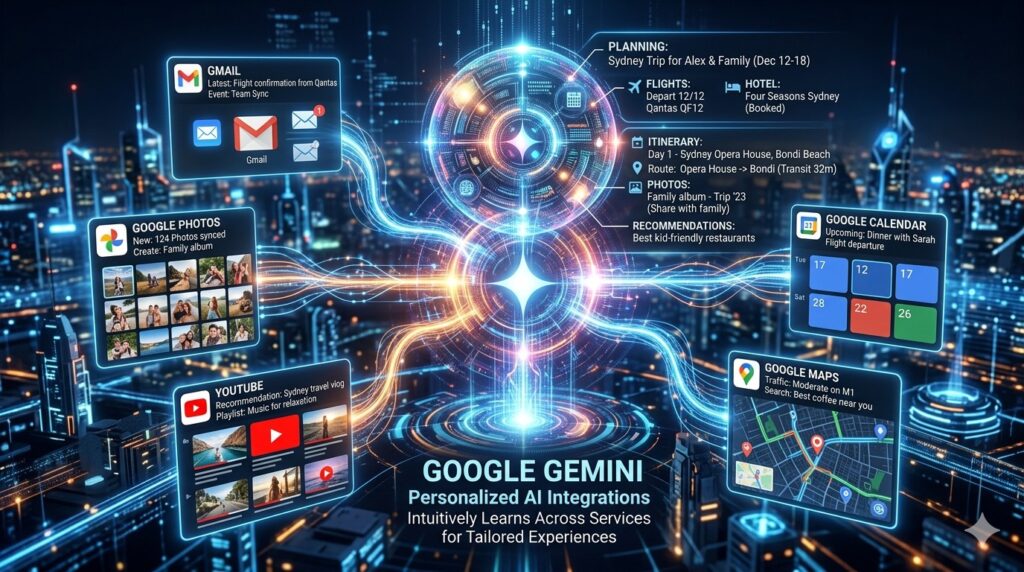
Google has been on a mission to embed its Gemini AI models across every product it owns. AI Overviews in Search. AI Mode in Labs. Search Live via voice. Web Guide via curated link summaries. Gmail integration. Google Photos. Google Maps.
YouTube is the latest, and arguably the most important, addition to that list.
Startup Fortune reports that Google integrated Gmail, YouTube, Search, and Photos directly into Gemini Personal Intelligence, enabling the assistant to personalize responses using individual viewing history, subscription content, and cross-product signals. So a Gemini query about weekend travel can now factor in the travel YouTube channels you watch, your Google Maps saved places, and your Gmail itineraries, all at once.
That’s a level of personalization that ChatGPT and Perplexity simply cannot replicate. They don’t have years of your viewing history, they don’t know your subscriptions. They don’t know what you watched at 2am last Tuesday.
Google does. And now it’s using all of that to make YouTube search smarter.
What Does This Mean for Creators?
If you’re a YouTube creator, pay close attention. Because Ask YouTube could change everything about how your content gets discovered.
Traditional YouTube SEO is all about keywords. Strong titles. Detailed descriptions. Relevant tags. That’s how you get found.
But a conversational AI system plays by different rules. It might surface your video based on how well your content actually answers common questions. Whether your transcript contains relevant information. How the AI interprets topical relevance. That’s a whole new optimization game, and the rulebook is still being written.
Search Engine Land’s 2026 YouTube SEO analysis found that intent-driven metadata, structural optimization, and authority signaling are the new ranking inputs for AI-mediated discovery. Channels that optimize titles as questions, rather than brand statements, improve visibility in both YouTube AI carousels and Google AI Overviews simultaneously.
The content that tends to surface through AI interfaces? Tutorials. Product reviews. Instructional formats. These carry higher CPMs and stronger viewer intent than pure entertainment content. So if you’re a how-to creator, this could be your moment.
What About Advertisers?
Here’s the elephant in the room. YouTube generated $31.5 billion in ad revenue last year. Any change to how users discover content has massive financial implications.
AI-generated search result pages could reduce pre-roll inventory if users reach their destination faster. But targeted placements within AI carousels, adjacent to specific query intent, could command premium rates above standard recommendation placements.
Google hasn’t publicly disclosed its monetization architecture for YouTube AI features yet. But watch the Q2 2026 earnings call closely. And watch Google I/O in May, where the full roadmap for Gemini-in-YouTube is almost certain to take center stage.
The feature is no longer just a test. It’s Google’s answer to the question of what YouTube looks like when AI becomes the interface.
The Accuracy Problem — Let’s Not Ignore It
Here’s the thing about AI search: it’s impressive, but it makes mistakes. We already mentioned the Steam Controller joystick flub. That’s a small error. But imagine Ask YouTube getting something wrong about a medical topic, a historical event, or a legal question.
TechBuzz.ai puts it well: “It was a reminder that, as potentially useful as these AI-created search result pages might seem, you need to do your due diligence to make sure they’re accurate.”
Google knows this. That’s likely why the initial rollout is limited to YouTube Premium subscribers, the platform’s most committed, most forgiving users. The 18+ age gate also signals caution around how AI might surface content for younger audiences.
This is a test. A big, public, real-world test. And Google is watching closely.
What Comes Next?
YouTube says it’s already “working on” expanding Ask YouTube to users who don’t have Premium. That expansion could happen fast, especially if early engagement numbers look good.
Beyond that, the 2026 roadmap is packed. AI creation tools are already used by more than 1 million channels daily. Autodubbing drives 6 million daily viewers of translated content for at least 10 minutes. Shorts AI generation features are expanding. The AI strategy isn’t a single chatbot feature, it’s a systematic rebuild of every user touchpoint on the platform.
From search to creation to accessibility to discovery, Google is remaking YouTube from the inside out. Ask YouTube is just the most visible piece of that transformation right now.
The Bottom Line
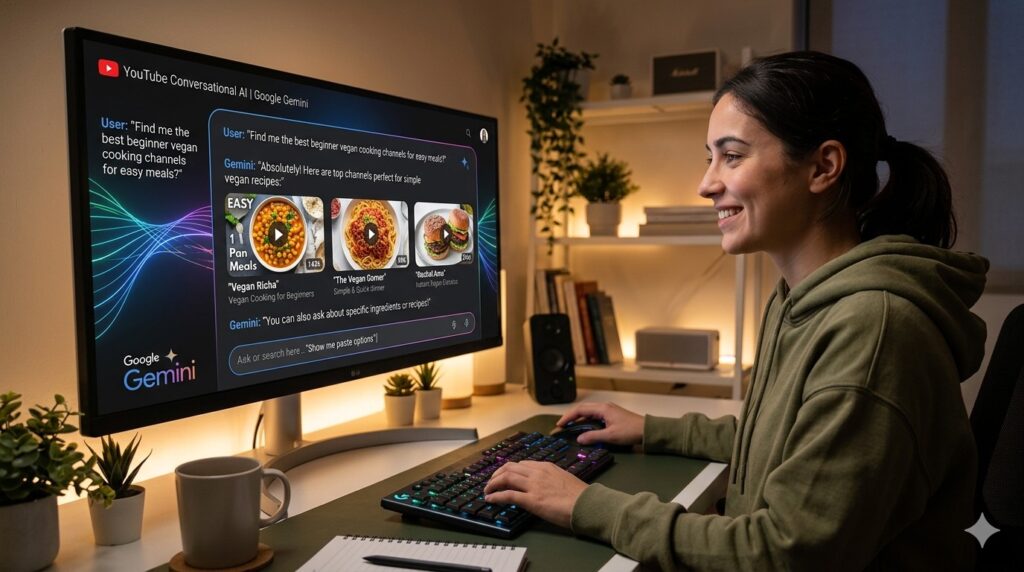
YouTube just got a brain. A conversational, AI-powered brain that can answer your questions, surface the right videos, and make discovery feel less like a chore and more like a chat.
Is it perfect? No. AI never is, at least not yet. But it’s genuinely exciting. It’s a glimpse at how two billion people might search for videos in the future.
Less typing. More asking. Less scrolling. More finding.
If you’re a YouTube Premium subscriber in the US, go turn it on right now. Ask it something weird. Ask it something specific. See what it does.
And then ask yourself: Is this the future of search?
Spoiler: it just might be.
Sources
- The Verge — Google is testing AI chatbot search for YouTube by Jay Peters
- Startup Fortune — YouTube embeds AI chatbot into search as Google turns 2 billion viewers into a Gemini surface by Julian Lim
- TechBuzz.ai — Google is testing AI chatbot search for YouTube
Continue Reading
- YouTube AI Search Overview: Revolutionizing How We Find Videos
- YouTube’s New AI Labels Are Finally Moving Out of the Basement
- How to Make Money Using AI on YouTube in 2026 (The Complete Guide)
- YouTube’s AI-Generated Search Overviews: What Creators and Users Need to Know
- How to Transform Photos into Videos Using YouTube’s New AI Tools: A Complete 2025 Guide
The Kingy Brief
Get the next Kingy Brief.
Source-checked AI changes, original tests and one practical thing to try.
Free · Choose your subjects · Double opt-in · Unsubscribe anytime