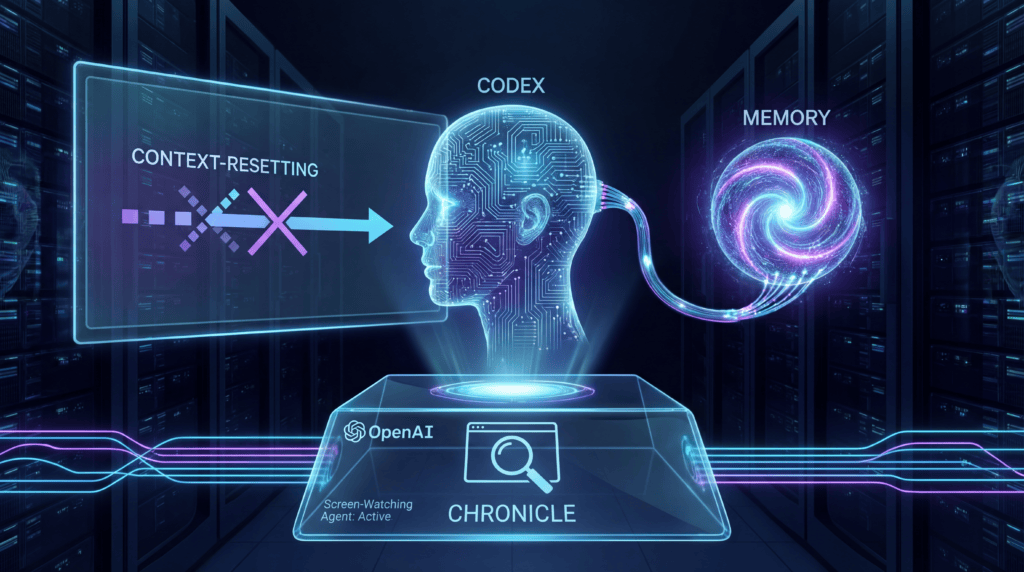
How OpenAI’s newest Codex experiment wants to make you stop explaining yourself — and what it costs in rate limits, privacy, and trust.
If you’ve ever opened a fresh chat with an AI assistant and typed some version of “okay, so, as I was saying yesterday…” — you already understand the problem OpenAI is trying to solve this week.
On April 20, 2026, the OpenAI Developers account on X announced Chronicle, a new opt-in research preview that layers screen-aware memory onto the company’s Codex app. It builds directly on the “memories” preview OpenAI shipped a week earlier, and it’s arguably the most aggressive step yet toward the thing every AI vendor is now racing to build: an assistant that remembers what you were actually doing, without you narrating your life back to it.
It is also — by OpenAI’s own admission — a feature with sharp edges. Chronicle burns through rate limits, raises fresh prompt-injection risks, stores its memories unencrypted on your Mac, and isn’t available at all in the EU, UK, or Switzerland at launch.
Here’s what Chronicle actually is, how it works under the hood, where it helps, and where you might want to keep your hand on the off switch.
The core idea: context without the re-explaining
Codex started life as OpenAI’s agentic coding tool — a cloud-backed descendant of the original Codex model, pitched as “an infinite supply of junior engineers who never need coffee breaks,” as one reviewer quipped in a Medium review of Codex. Over the last year, OpenAI has quietly reframed Codex as something broader: a developer “superapp” that’s turning into a general workstation agent.
Memory was the first big unlock. Per the OpenAI Memories documentation, memories let Codex carry useful context forward across threads — stable preferences, recurring workflows, tech stacks, project conventions, and known pitfalls — so you don’t have to repeat yourself every time you open a new session.
Chronicle takes that to the next logical (and slightly uncomfortable) place: it watches your screen.
In OpenAI’s own framing on the Chronicle docs page:
“Chronicle augments Codex memories with context from your screen. When you prompt Codex, those memories can help it understand what you’ve been working on with less need for you to restate context.”
Translation: when you say “fix this error” or “revisit that thing we were building two weeks ago,” Codex has a real shot at knowing what “this” and “that” refer to — because it saw them on your screen.
That’s the pitch. The mechanics are a bit more interesting.
How Chronicle actually works
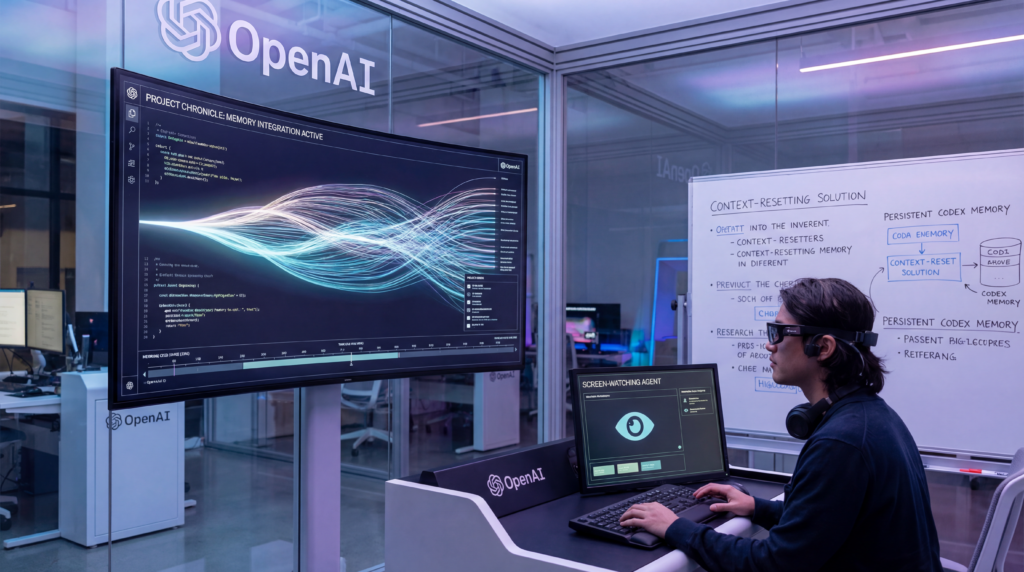
Chronicle runs sandboxed background agents on your Mac. Those agents periodically take screen captures, pass them through Codex to be summarized, and then distill them into local Markdown memory files that live alongside your other Codex memories.
Per the official documentation:
- Temporary screen captures are written to
$TMPDIR/chronicle/screen_recording/while Chronicle is running. - Captures older than 6 hours are automatically deleted while Chronicle is active.
- The generated memories land in
$CODEX_HOME/memories_extensions/chronicle/— typically~/.codex/memories_extensions/chronicle. - Those memory files are unencrypted Markdown. You can read them, edit them, or delete them at will.
- Chronicle does not touch your microphone or system audio.
When you prompt Codex, it decides whether the memory is enough, or whether the memory should act as a pointer — telling Codex to go read the actual Slack thread, Google Doc, dashboard, pull request, or file that the screen capture came from. That distinction matters: Chronicle isn’t trying to replace your docs. It’s trying to be a smart index into them.
As OpenAI put it in a follow-up post on X:
“With Chronicle, Codex can better understand what you mean by ‘this’ or ‘that.’ Like an error on screen, a doc you have open, or that ‘thing’ you were working on two weeks ago.”
That’s the human value-prop in one tweet. Less prompt engineering, more pointing.
Turning it on (and off)
Setup is simple but requires real trust in your OS permission model. Per 9to5Mac’s coverage, the steps are:
- Open Settings in the Codex app.
- Go to Personalization and make sure Memories is enabled.
- Turn on Chronicle under the Memories setting.
- Review and accept the consent dialog.
- Grant Codex Screen Recording and Accessibility permissions when macOS prompts you.
- Hit Try it out and you’re in.
If macOS says the permissions are blocked — common on enterprise-managed devices — Chronicle simply won’t start until the restriction clears. That failure mode is polite, not persistent.
There are two distinct ways to stop Chronicle from doing its thing:
- Pause it from the Codex menu bar icon when you’re heading into a meeting, viewing sensitive content, or just want an off-the-record hour.
- Disable it entirely from Settings → Personalization → Memories.
You can also scope memory behavior to a specific thread with the /memories slash command, a detail documented on the Memories page. Thread-level overrides don’t change your global settings — they’re a scalpel, not a sledgehammer.
The merits: where Chronicle genuinely earns its keep
Strip away the novelty and there are three concrete wins.
1. It deletes the “catch me up” preamble
The single biggest time sink in working with any AI assistant is reconstructing context. You paste a stack trace, recap what you tried yesterday, describe the file tree, name your tools. Chronicle collapses a lot of that into “you already know.”
Zac Hall of 9to5Mac summarized it cleanly:
“The purpose of Chronicle is to make Codex more aware of context without repeating details or being super specific with each prompt.”
For anyone juggling three codebases, two dashboards, a Linear board, and a half-drafted doc, that’s real productivity — and a significant UX leap over a chat window that starts from zero every morning.
2. It learns your workflow, not just your words
OpenAI emphasizes that over time Chronicle helps Codex pick up “the tools you use, the projects you return to, and the workflows you rely on” (OpenAIDevs on X). Memory from text chat is surprisingly shallow: it captures what you said, not what you did. Screen context is the opposite — it captures the actual shape of your day. The more Codex sees that you live in a particular IDE, use a particular linter, keep a particular dashboard open during deploys, the better it routes its answers.
3. Local-first storage and user-controllable memory
For a feature this invasive, the privacy posture is refreshingly conservative. Captures are ephemeral, memories are user-owned Markdown, and OpenAI explicitly tells you where they live and how to delete them. That’s materially better than the black-box memory systems some competitors have shipped, and it gives power users a real audit trail.
The limitations and risks: this is a preview for a reason
OpenAI has been unusually direct about the downsides, and they shouldn’t be glossed over.
1. Chronicle eats your rate limits
From the docs:
“Chronicle works by running sandboxed agents in the background to generate memories from captured screen images. These agents currently consume rate limits quickly.”
Translation: you paid for a Pro plan, and a background process is going to spend some of your quota whether you’re actively prompting or not. In a world where every vendor is pushing users toward usage-based pricing, that’s a real economic footprint. If you do intensive background work during the day — long refactors, deep research, code reviews — you might notice the ceiling hits earlier.
2. Prompt injection just got a much larger attack surface
This is the risk that should keep security engineers up at night. Traditional prompt injection requires getting malicious text into the model’s context — usually via a copied web page, a document, or an agent tool call. With Chronicle, anything on your screen is a potential injection vector: a crafted webpage, a phishing email preview, a PR description, a malicious dashboard, a Slack message pasted by a compromised coworker.
The Decoder flagged this explicitly:
“OpenAI warns that Chronicle… raises the risk of prompt injection attacks — malicious instructions smuggled in through displayed websites — and stores memories unencrypted on the device.”
You no longer have to paste the bad content. You just have to look at it. That’s a meaningful shift in threat model.
3. Unencrypted memories on disk
The same Markdown files that make Chronicle transparent and user-editable also make it a soft target. OpenAI says plainly that “other apps may access these files.” On a shared machine, or one running any of the increasingly common supply-chain-compromised developer tools, those memories could leak sensitive project details, internal URLs, customer names, or half-finished security fixes.
A reasonable rule of thumb: if you’d be uncomfortable with a random teammate reading the contents of ~/.codex/memories_extensions/chronicle/, pause Chronicle more aggressively than you think you need to.
4. Narrow rollout
At launch, Chronicle is:
- ChatGPT Pro only (so roughly $200/month tier).
- macOS only — no Windows, no Linux, no iPad.
- Unavailable in the EU, EEA, UK, and Switzerland, almost certainly due to GDPR and UK/Swiss data-protection considerations around continuous screen capture.
If you’re a European developer, you’re watching this one from the sidelines. If you’re a Linux user, you’re watching even longer.
5. It inherits Codex’s existing rough edges
Chronicle doesn’t fix the underlying tool — it augments it. And Codex itself is still maturing. Zack Proser’s hands-on review describes a tool that is “fast but fragile,” great for “quick wins that can ship in a single pass” but awkward for multi-turn updates on a single branch. The Barnacle Goose Medium review echoes that:
“Codex sometimes struggles with nuance and context. Early adopters report awkward workflows, particularly when revisions or incremental changes are required.”
Better memory helps, but it doesn’t cure an agent that struggles with multi-step refactors or long-running PRs. Chronicle makes Codex know more — it doesn’t necessarily make Codex reason better.
The bigger story: ambient agents are here, whether we’re ready or not
Zoom out and Chronicle is less surprising than it looks. Every major AI vendor is racing toward the same endpoint: an assistant that’s ambient — present in your environment, aware of your screen, your documents, your calendar, your code. Microsoft tried it (controversially) with Recall. Apple tied similar ideas into Apple Intelligence. Anthropic’s Computer Use pushed in the same direction. Chronicle is OpenAI’s opening bid in that race inside Codex, and it’s notable for being opt-in, local-first, and explicit about its risks — a posture that looks deliberately contrasted with some earlier, messier industry attempts.
What makes Chronicle interesting isn’t the screenshot loop itself. It’s the framing: Codex’s memory becomes a shared surface between your actions and the agent’s understanding. The screen is no longer just pixels for you to look at; it’s the agent’s notebook, indexed, searchable, summarized into Markdown, editable by you. That’s a genuinely new interaction model, and it’s going to change how engineers think about “context” over the next year.
It also signals OpenAI’s broader ambition for Codex. As 9to5Mac puts it:
“Codex is OpenAI’s desktop ‘superapp’ in the making… OpenAI is developing Codex into a more capable tool for builders beyond software engineers.”
Chronicle is a tell. The app that started as an AI pair-programmer is on a trajectory toward being the AI layer above your entire desktop.
Should you turn it on?
Here’s the honest answer: it depends on what’s on your screen most of the day.
Turn Chronicle on if:
- You’re a Codex Pro user on macOS doing sustained, multi-week project work.
- Your work is primarily in public or first-party repos, product UI, and developer tooling.
- You’re comfortable reviewing and occasionally pruning a memory folder.
- You can remember to pause it during meetings, password resets, or when reviewing sensitive artifacts.
Think twice if:
- You regularly handle regulated data — health, legal, financial, classified.
- You work in environments where prompt injection via screen content is a plausible threat (agencies, red teams, public-facing dev rel).
- You share a Mac, or run aggressive unknown third-party agents.
- You’re on Pro but already brushing against rate limits; Chronicle will make that worse.
For most individual developers, the right posture is probably: enable it, watch your rate limits for a week, inspect the generated Markdown, and develop a habit of pausing before anything sensitive appears on screen.
The bottom line
Chronicle is a small feature release with a big conceptual payload. It’s OpenAI saying, out loud and with docs, that the next phase of AI assistants isn’t about bigger context windows or fancier prompts — it’s about persistence and ambient awareness. The tradeoffs are real: rate limit cost, prompt-injection exposure, unencrypted local storage, a rollout that excludes entire continents. But the design choices — opt-in, local-first, Markdown, menu-bar pause — also show that OpenAI has clearly thought about what a responsible first draft of this idea looks like.
Whether Chronicle specifically becomes a lasting part of the Codex experience or gets quietly rebuilt into something else six months from now, the direction of travel is obvious. Your AI tools are going to stop being forgetful. The only open questions are how they remember, where that memory lives, and who gets to read it.
For now, Chronicle’s answer is: in the background, on your Mac, in a folder you control — and, importantly, only if you say yes.
Latest News
- Appshots: Inside OpenAI Codex’s New “Command-Command” Trick for macOS
- Codex Just Landed in the ChatGPT Mobile App: Inside OpenAI’s Push to Make AI Coding Truly Portable
- OpenAI’s Codex Boom Shows AI Agents Are No Longer Just for Developers
Related Guides
- The Complete Guide to OpenAI Codex
- The Codex App Super Guide (2026): From “Hello World” to Worktrees, Skills, MCP, CI, and Enterprise Governance
Continue Reading
The Kingy Brief
Get The Kingy Brief.
AI changes, original tests and one practical thing to try. Fridays at 09:00 Vancouver time.
Free · Double opt-in · Unsubscribe anytime
Sign up for The Kingy Brief on Beehiiv.
Signup help and newsletter schedule
Signup form provided by Beehiiv. After submitting, check your inbox for "Confirm your subscription to The Kingy Brief" and open its confirmation link. Check Spam or Promotions if you cannot find it.
Fridays at 09:00 Vancouver time: source-checked AI changes, original tests and one practical thing to try. We skip a week when there is not enough verified material. Free. Unsubscribe anytime.