Last updated: 2026-07-10
Last verified: 2026-07-10
TL;DR: GitHub Mobile can now start a Copilot cloud-agent request from the merge box of a pull request with conflicts. The phone is a handoff surface, not a replacement for reviewing the code: a maintainer taps Fix with Copilot, submits a prefilled request, and later reviews the agent’s proposed resolution. The feature is useful for triage away from a workstation, but it requires Copilot cloud-agent access, consumes GitHub AI Credits, and should remain behind normal tests and branch protections.
What GitHub Mobile added
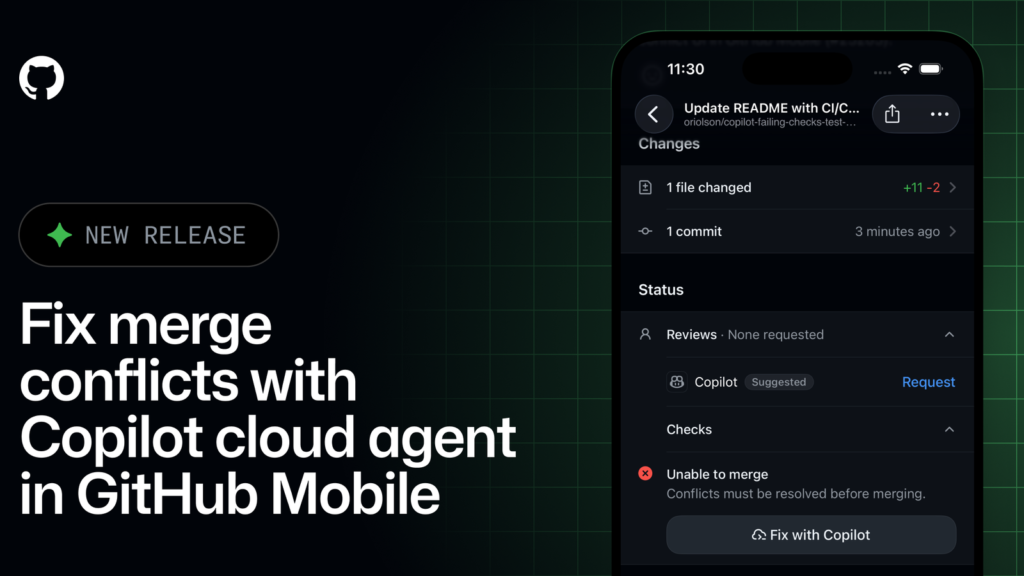
GitHub released the new workflow on July 8, 2026 in the latest production build of GitHub Mobile for iOS and Android. According to the official changelog, a pull request with merge conflicts now displays a Fix with Copilot action in the mobile merge box.
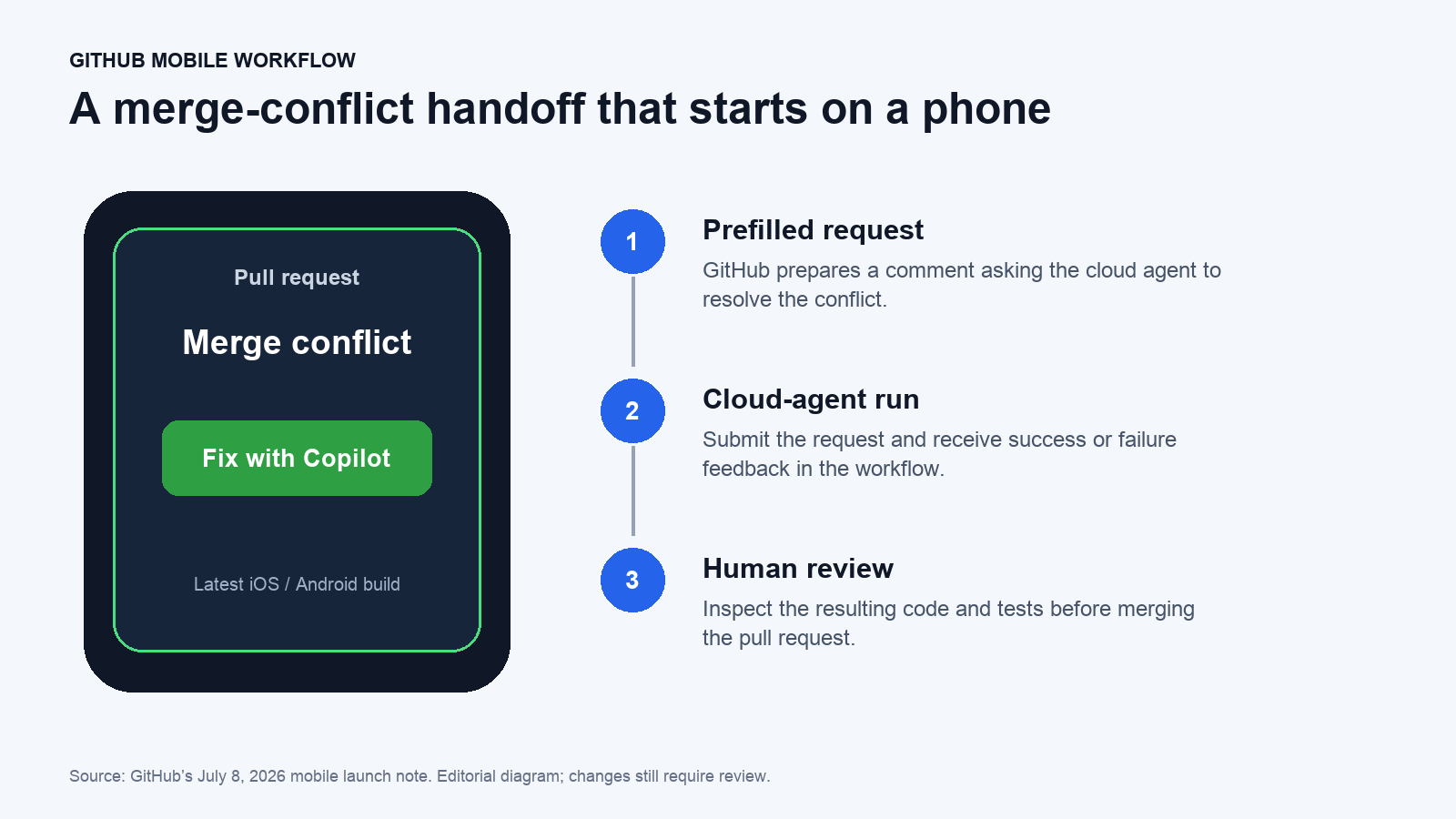
Tapping the action prepares a pull-request comment that asks Copilot to resolve the conflicts. The user reviews and submits that request, which launches Copilot cloud agent. GitHub Mobile then reports whether the request started successfully or failed.
This is best understood as remote delegation. GitHub is not turning a phone into a full conflict editor. It is making it possible to start an agent session when a maintainer sees a blocked pull request away from a laptop.
The workflow, step by step
- Update GitHub Mobile to the latest production version on iOS or Android.
- Open a pull request that GitHub identifies as having merge conflicts.
- Find the conflict alert in the merge box and tap Fix with Copilot.
- Read the prefilled comment before submitting it. Add constraints if the resolution must preserve a particular behavior, file, or dependency.
- Submit the request and confirm that GitHub reports the cloud-agent session started.
- When the agent finishes, review the resulting commits, run required checks, and request changes if the resolution is incomplete.
It also provides a mobile entry point for follow-up work
The merge-conflict button is the new shortcut, but GitHub also documents a broader pull-request pattern. A maintainer can mention @copilot in a pull-request comment and ask for other changes. GitHub’s launch examples include fixing failing GitHub Actions workflows, addressing code-review comments, adding tests, and making follow-up code changes.
That makes the mobile app useful for starting or steering bounded work, especially when a repository already has clear tests and review rules. It does not make every maintenance task a good mobile delegation candidate. Ambiguous architectural changes, security-sensitive migrations, and conflicts that encode competing business logic still deserve a developer at a full workstation.
Where the mobile handoff can help
- Urgent pull-request triage: start a conflict-resolution attempt while travelling or away from a desk.
- Release coordination: unblock a candidate branch early enough for automated tests to run before a maintainer returns.
- Review follow-up: ask Copilot to address a specific review comment or add a missing test from the pull-request discussion.
- Failed-check response: initiate a bounded fix for a failing Actions workflow while preserving the full check history in GitHub.
- Distributed teams: hand work to the cloud agent without asking another developer to reproduce the conflict locally before investigation begins.
Pricing and eligibility
Copilot cloud agent is available on paid Copilot plans. GitHub’s cloud-agent getting-started guide says organization administrators must enable the agent for Business and Enterprise subscribers.
On GitHub’s current individual pricing page, Copilot Pro starts at $10 per month and includes access to cloud agent and code review. Pro currently includes $15 in monthly total GitHub AI Credits. Higher individual tiers include larger credit amounts. Organization and enterprise plans use their own licensing, pooled-credit, and budget controls.
The mobile action is therefore not a separate free merge-conflict service. Copilot cloud-agent work consumes AI Credits, and usage varies with the model, number of tokens, and complexity of the session. Teams should check the GitHub Copilot status and billing views before turning mobile delegation into a routine response for every blocked pull request.
What still needs human review
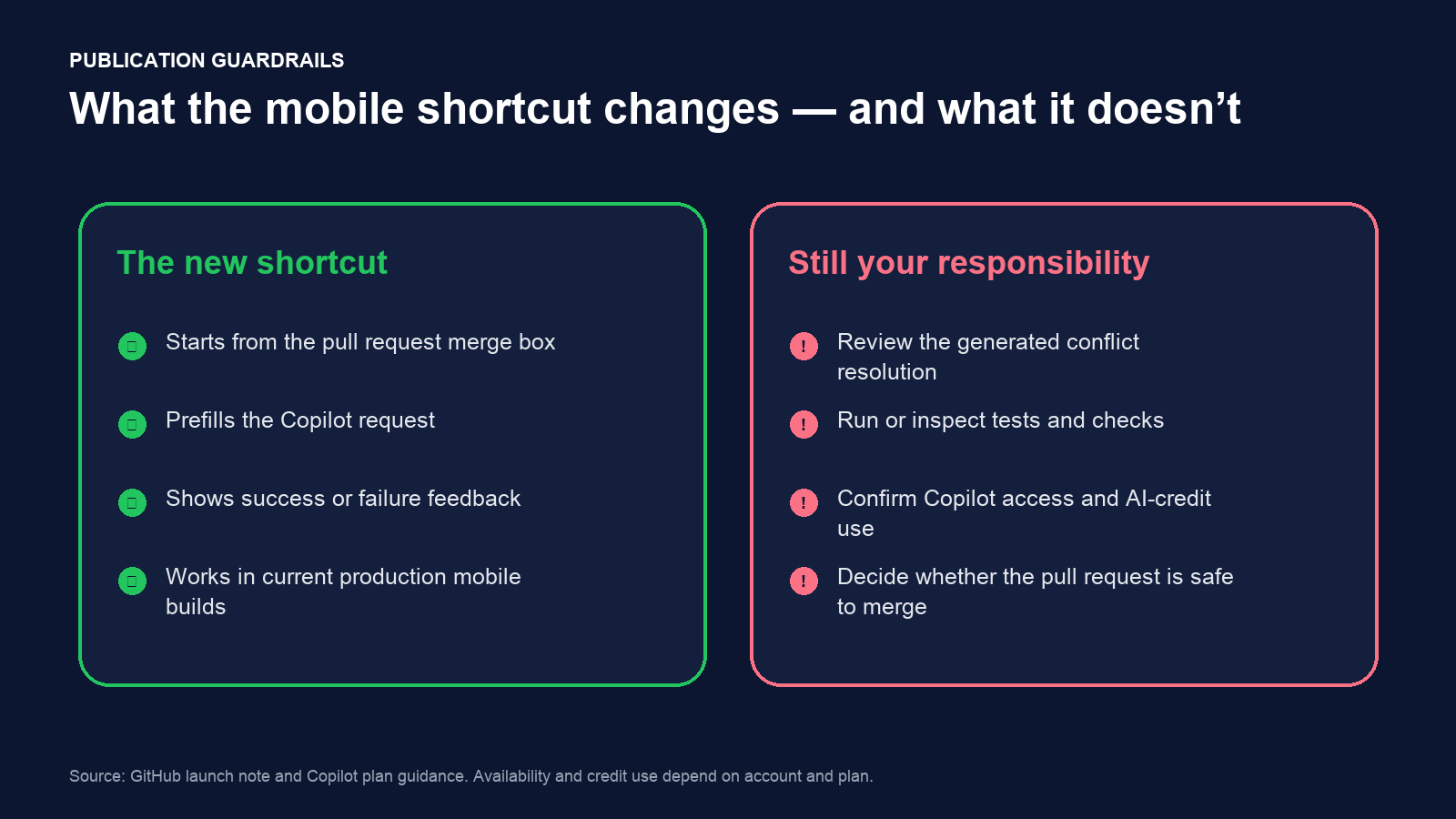
A clean merge is not the same as a correct resolution. Git can detect overlapping edits, but it cannot determine which interpretation of two competing changes matches the product requirement. An agent can produce syntactically valid code that silently drops a validation rule, changes an API contract, or combines two branches in a way neither author intended.
- Read every changed file, not just the conflict markers.
- Confirm that tests exercise the behavior affected by both sides of the conflict.
- Inspect dependency files, generated assets, migrations, and configuration changes separately.
- Keep required reviews, status checks, and branch protections enabled.
- Ask the original authors for context when the conflict represents a product decision rather than a mechanical edit.
GitHub’s own agent walkthrough ends with reviewing the changes, requesting revisions, or merging only when satisfied. The mobile shortcut does not remove that responsibility.
Mobile handoff compared with other options
| Approach | Best for | Main limitation |
|---|---|---|
| GitHub Mobile + Copilot cloud agent | Starting a bounded repair away from a workstation | Reviewing a complex diff is harder on a phone |
| Manual local resolution | Conflicts that require architectural or product context | Requires a configured workstation and developer time |
| Copilot in an IDE | Agent assistance with local files, tests, and interactive review | Depends on the developer environment and IDE access |
| GitHub web pull-request workflow | Reviewing agent output and coordinating comments in a browser | Still less suitable than a local IDE for deep debugging |
A practical test before team rollout
- Select a non-critical repository with reliable automated tests.
- Create a representative conflict that involves more than whitespace but does not affect production data.
- Start the request from GitHub Mobile and note whether the prompt is clear before submission.
- Measure time to first proposed fix, AI-credit use, test results, and the amount of manual correction required.
- Repeat the exercise with manual resolution or an IDE agent so the team has a real comparison.
- Document which conflict types are acceptable for mobile delegation and which always require local review.
Verdict
The new GitHub Mobile action is a useful convenience for maintainers who already use Copilot cloud agent. It can start work earlier and keep pull-request coordination moving, but its value depends on disciplined review after the handoff. Use it for bounded conflicts with strong tests; keep complex or security-sensitive resolutions in a full development environment.
FAQ
Does GitHub Mobile resolve the conflict on the phone?
No. The mobile app prepares and submits a request to Copilot cloud agent. The agent performs the work and returns changes for review.
Is the feature available on iOS and Android?
GitHub says it is available in the latest production build of GitHub Mobile on both platforms.
Is the merge-conflict action free?
It depends on Copilot cloud-agent access, which GitHub documents for paid Copilot plans. Agent work consumes GitHub AI Credits.
Can Copilot handle other pull-request tasks from mobile?
GitHub says users can mention @copilot in pull-request comments to request work such as fixing Actions failures, addressing review comments, adding tests, or making follow-up changes.
Official sources
- GitHub changelog: fix merge conflicts with Copilot cloud agent
- GitHub Docs: get started with Copilot agents on GitHub
- GitHub Copilot plans and pricing
- GitHub Copilot billing
Related Kingy AI coverage
The Kingy Brief
Get The Kingy Brief.
AI changes, original tests and one practical thing to try. Fridays at 09:00 Vancouver time.
Free · Double opt-in · Unsubscribe anytime
Sign up for The Kingy Brief on Beehiiv.
Signup help and newsletter schedule
Signup form provided by Beehiiv. After submitting, check your inbox for "Confirm your subscription to The Kingy Brief" and open its confirmation link. Check Spam or Promotions if you cannot find it.
Fridays at 09:00 Vancouver time: source-checked AI changes, original tests and one practical thing to try. The weekly restart begins October 9, 2026. We skip a week when there is not enough verified material. Free. Unsubscribe anytime.