What Is Softr?
There’s a growing graveyard of “build an app in minutes” promises on the internet. Most of them deliver something that looks impressive in a demo, collapses under real-world conditions, and leaves you with a prototype you can’t actually hand to a client or a team.
Softr is positioning itself as the antidote to that problem — and after spending time with the platform, watching it build a fully functional CRM from scratch in under ten minutes, and digging into everything from its pricing tiers to its enterprise security features, it’s clear that Softr is doing something meaningfully different from the rest of the no-code and AI app-building crowd.
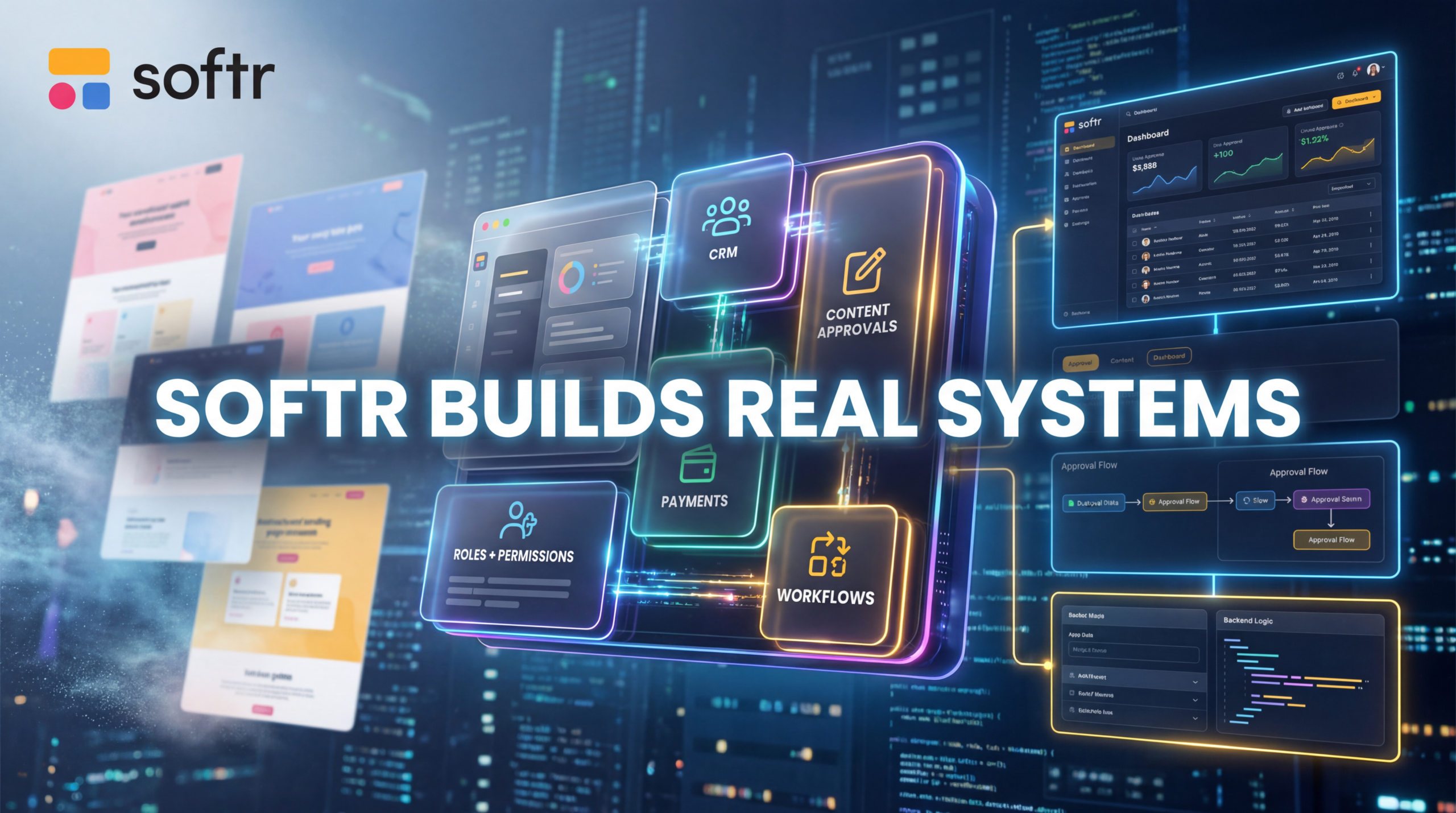
Softr describes itself as “the first AI platform for business apps,” and that framing is deliberate. This isn’t a website builder. It isn’t a form tool. It isn’t a vibe-coding Playground where you generate something that looks like an app but behaves like a house of cards. Softr is a full-stack business application platform — one that handles your interface, your database, your workflows, your user authentication, your permissions, and your integrations all in one place. The AI layer on top of all of that is what makes it genuinely exciting in 2025 and beyond.
Let’s break it all down.
Getting Started: The AI App Builder in Action
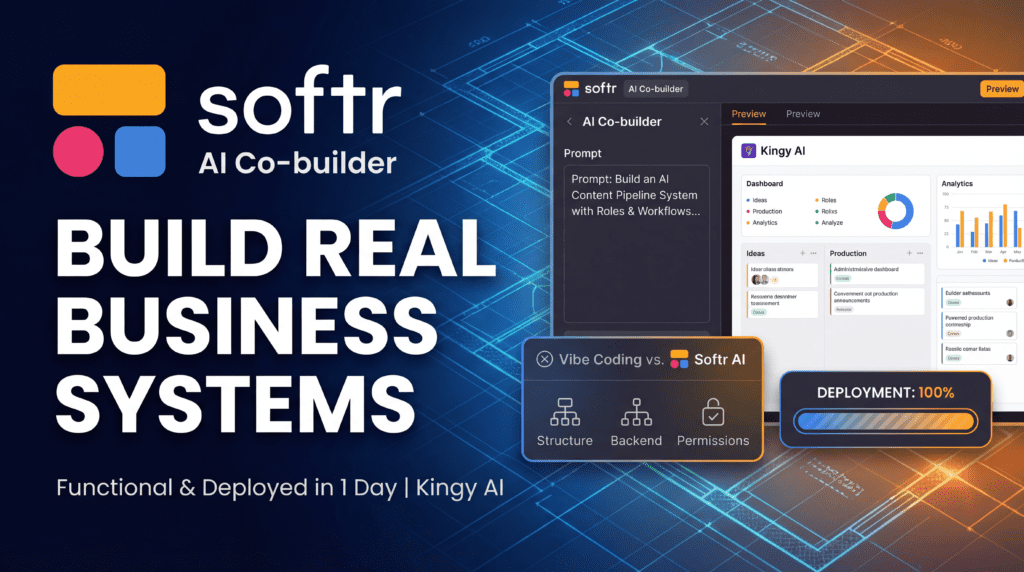
The entry point to Softr is studio.softr.io, and the first thing you’ll notice is how clean and intentional the onboarding experience is. When you create a new app, you’re given three options: start from scratch, start from a template, or generate with AI. The third option — the AI Code Builder — is where the magic happens, and it’s the feature that most clearly separates Softr from its competitors.
Here’s what the AI-powered build flow actually looks like in practice. You describe what you want to build. In the demo reviewed here, the prompt was for an influencer and creator CRM — a platform for a content creator or agency to manage brand leads, active deals, campaign deliverables, deadlines, payment status, affiliate links, and client notes. That’s a genuinely complex brief. It’s not “make me a to-do list.” It’s a multi-table, multi-role, multi-workflow business system.
Softr doesn’t just take that prompt and spit out a static layout. Instead, it asks a series of clarifying questions to refine the build intent. How do you want to track payments — simple status on each deal, or something more granular? How should deliverables be managed? What kind of pipeline do you want for leads and deals? How will users log in? Can people sign up on their own? These questions aren’t filler — they’re shaping the actual data model and logic of the application being built.
After answering those questions, you get to choose your navigation layout (side panel for desktop, bottom navigation for mobile) and pick a visual theme. Then you click “Create App” — and Softr gets to work setting up the database, the pages, the navigation, and the business logic simultaneously.
The result, in this case, was a fully functional CRM called “Inflow CRM” — complete with a personalized header, a dashboard showing total leads, total deal value, and unpaid pending deals, a leads pipeline with drag-and-drop Kanban functionality, an active campaigns section with filters and search, a deliverables tracker, a contacts database, and a payments view. All of it working. All of it populated with realistic sample data. All of it ready to use.
That’s not a prototype. That’s a production-ready application — and it was built in under ten minutes.
The Interface: What You See Is What You Get (And Then Some)
Once your app is generated, you land in Softr’s visual editor. The interface is split into two primary modes: the Interface tab and the Data tab.
In the Interface tab, you’re working with a live visual editor. You can click on any block — a chart, a table, a card, a header — and a settings panel opens on the right side. From there, you can adjust the source, the content, and the styles. Want to make a block more rounded? Adjust the border radius. Want to change the font for body text? Go to the theme settings and update the typography. Changes apply in real time, and you can preview your app across desktop, tablet, and mobile views without leaving the editor.
This is a genuinely important feature. A lot of no-code tools claim to be responsive, but the reality is that mobile views are often an afterthought — a squished version of the desktop layout that technically works but looks terrible. Softr’s mobile-first thinking is evident in the fact that it defaults to a bottom navigation layout for mobile, which is the correct UX pattern for thumb-friendly navigation on small screens.
The left sidebar in the editor gives you access to pages, themes, and settings. Adding a new page is a single click. Changing your color palette or typography is equally straightforward. The platform also supports custom CSS and JavaScript on paid plans, which means designers and developers who want to push beyond the defaults have a path to do so without abandoning the platform entirely.
One of the more subtle but powerful features of the editor is the role-based preview. At the top of the interface, you can switch between different user roles — team member, admin, and so on — and see exactly what each role sees. In the CRM demo, switching to the admin view revealed a payments section that wasn’t visible to regular team members. This isn’t just a cosmetic preview; it reflects the actual permissions logic baked into the app. What you see in the preview is what your users will actually experience.
The Data Layer: A Real Backend, Not a Spreadsheet Pretending to Be One
This is where Softr genuinely earns its claim to be different from typical vibe-coding tools.
When you click over to the Data tab, you’re looking at a full relational database. It’s presented visually — rows and columns, like a spreadsheet — but it’s structured like a real backend. In the influencer CRM example, the database included separate tables for users, contacts, leads, deals, deliverables, and affiliate links. Each table has its own fields, its own relationships, and its own data types.
This matters enormously for real-world use. A lot of AI app builders generate something that looks functional on the surface but stores everything in a flat, unstructured way that breaks down the moment you try to do anything complex — like filtering deals by payment status, or showing only the deliverables associated with a specific campaign. Softr’s relational data model means those kinds of queries work correctly, because the data is actually structured correctly.
Softr also offers its own built-in database, which is available on all plans (including free, with up to 1,000 records per database and 5,000 records across the workspace). But the platform isn’t limited to its own database. Softr connects to an impressive range of external data sources, including Airtable, Google Sheets, Notion, HubSpot, Monday.com, ClickUp, Coda, Supabase, MySQL, PostgreSQL, and REST APIs. This means that if your business already has data living somewhere — in Airtable, in a Google Sheet, in a SQL database — you can build a Softr app on top of that data without migrating anything.
That’s a significant advantage over platforms that require you to import everything into their proprietary system. Softr meets you where your data already lives.
User Management and Permissions: The Feature That Makes It Production-Ready
Here’s the thing that separates a real business application from a demo: user management. Can different people log in and see different things? Can you control who can create, edit, or delete records? Can you restrict access based on role, group, or data ownership?
Softr’s answer to all of these questions is yes — and the implementation is thorough.
The User section of the platform is home to authentication settings, login and sign-up methods, security configurations, user groups, data restrictions, and notifications. In the CRM demo, the app was configured to allow Google sign-in, with open registration (anyone can sign up). But Softr supports multiple authentication methods, including password-based login, magic link (sign in with code), Google OAuth, and SSO via SAML or OpenID on enterprise plans.
User groups are one of Softr’s most powerful features. Every app comes with two default groups — logged-in users and non-logged-in users — but on Professional plans and above, you can create custom user groups with their own permissions. In the CRM example, the admin group had access to the payments section, while team members did not. That kind of role-based access control is table stakes for any real business application, and Softr handles it cleanly.
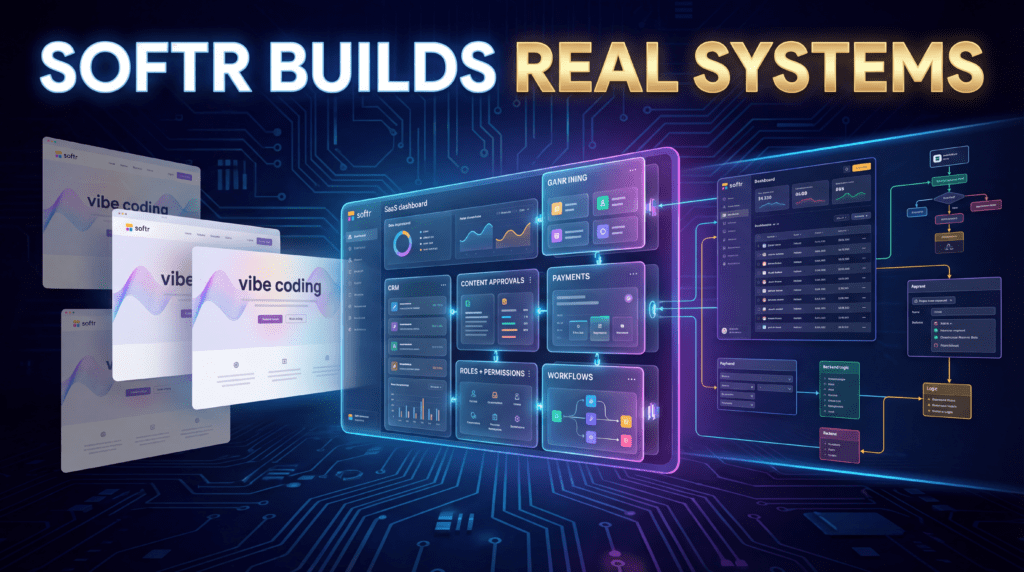
Data restrictions go even further. On Business and Enterprise plans, you can set view, create, delete, and update permissions at the data level — not just the page level. This means you can build apps where a salesperson can see their own leads but not their colleagues’, or where a client can view their project deliverables but not edit them. These are the kinds of permissions that, in a traditional development context, would require significant backend engineering. In Softr, they’re configured through a visual interface.
Ask AI: The Built-In Intelligence Layer
One of the features that stood out most in the demo was the “Ask AI” section embedded directly within the app. This isn’t a chatbot bolted onto the side of the platform — it’s a contextual AI agent that understands your data and can answer questions about it in natural language.
In the demo, the question posed was: “What is the total value of all deals currently categorized as unpaid?” The response came back immediately: $15,500. That’s not a pre-programmed answer. That’s the AI querying the actual database and returning a real result.
This feature — which Softr calls “Ask AI” — is available across all plans and represents a genuinely useful addition to any business application. Imagine a sales manager being able to ask “Which leads haven’t been followed up in the last two weeks?” or an operations director asking “What’s our average deal close time this quarter?” without needing to build a custom report or export data to a spreadsheet. That’s the promise of Ask AI, and based on what was demonstrated, it delivers.
Softr also offers Database AI Agents, which can run on autopilot to automate tasks within your database — think of them as intelligent workflow triggers that can read, interpret, and act on your data without manual intervention. The platform supports OpenAI (GPT and o3 models), Anthropic (Claude), and Google Gemini as underlying AI providers, giving builders flexibility in which models power their agents.
Workflows: Automation Without the Complexity
Softr’s Workflows feature is the platform’s answer to tools like Zapier, Make, and n8n — and it’s built directly into the platform rather than requiring a third-party integration.
Workflows let you automate multi-step processes across your business. You can trigger workflows from app UI actions (like a button click or a form submission), from webhooks, from API calls, or on a polling schedule (as frequently as every minute on paid plans). Within a workflow, you can add records, edit records, delete records, call external APIs, send emails via Gmail, send Slack notifications, run custom code, scrape pages, extract data from PDFs, and more.
The branching and filtering capabilities mean you can build genuinely complex logic — “if the deal stage changes to ‘closed won,’ send a Slack notification to the sales channel and create a new deliverable record” — without writing a single line of code. On higher-tier plans, you get access to bulk actions, the ability to run code directly within a workflow, and unlimited execution time.
Workflow action limits vary by plan: 500 per month on Free, 2,500 on Basic, 10,000 on Professional, and 25,000 on Business. For most small to mid-sized teams, the Professional tier’s 10,000 actions per month will be more than sufficient. Enterprise plans offer custom limits.
Integrations: Connecting Your Entire Tech Stack
Softr’s integration library is extensive and covers the tools that most businesses actually use. On the data side, you’ve got Airtable, Google Sheets, Notion, HubSpot, Monday.com, ClickUp, Coda, Supabase, MySQL, PostgreSQL, and REST API. On the automation side, you’ve got native Zapier, Make, and n8n support. For communications, there’s Gmail, Slack, and Intercom. For scheduling, Calendly and Google Calendar. For payments, Stripe. For documents, DocuSign. For accounting, Xero. For maps, Google Maps.
The breadth of this integration library means that Softr can slot into almost any existing tech stack without requiring you to rip and replace your current tools. If your CRM data lives in HubSpot, you can build a Softr portal on top of it. If your project data lives in Monday.com, you can build a client-facing dashboard that pulls from it in real time. If you need to trigger a Zapier workflow when a form is submitted, that’s a few clicks away.
This is a fundamentally different philosophy from platforms that try to be everything — Softr is designed to be the interface and logic layer that sits on top of your existing data and tools, rather than a replacement for all of them.
Templates: A Head Start for Common Use Cases
For users who don’t want to start from a blank prompt, Softr offers a library of pre-built templates covering the most common business app use cases: client portals, sales CRMs, inventory management systems, company intranets, vendor management platforms, project trackers, and more.
These templates aren’t just visual mockups — they come with pre-configured data models, navigation structures, and permission settings that reflect real-world usage patterns. A client portal template, for example, will already have the right user groups set up (clients vs. internal team), the right data restrictions in place, and the right pages configured. You’re not starting from zero; you’re starting from a well-thought-out foundation that you can customize to your specific needs.
The template library is particularly valuable for agencies and consultants who are building apps for clients. Rather than rebuilding the same basic structure from scratch for every engagement, you can start from a template, customize it to the client’s brand and workflow, and ship something polished in a fraction of the time.
Mobile Apps: Progressive Web Apps and Beyond
Softr supports Progressive Web Apps (PWAs) on paid plans, which means your Softr app can be installed on a user’s phone and behave like a native mobile app — with an icon on the home screen, offline capabilities, and a full-screen experience — without requiring submission to the App Store or Google Play.
The mobile preview in the editor shows exactly how your app will look on a phone, and the default bottom navigation layout for mobile ensures that the user experience is optimized for small screens from the start. For most business use cases — internal tools, client portals, CRMs — a PWA is more than sufficient, and the ability to ship a mobile-ready app without any additional development work is a significant time and cost saver.
Pricing: Transparent, Scalable, and Genuinely Competitive
Softr’s pricing is structured across five tiers:
Free — $0/month. Includes 5 AI credits, 10 app users, 5,000 database records, 500 workflow actions, unlimited apps, and unlimited collaborators. A genuinely useful free tier for individuals and small projects.
Basic — $49/month. Adds 10 AI credits per month, 20 app users, 50,000 database records, and 2,500 workflow actions. Suitable for solo makers and small teams building simple projects.
Professional — $139/month. Includes 50 AI credits, 100 app users (with the ability to add more at $10 per 10 users), 500,000 database records, 10,000 workflow actions, 3 custom user groups, and advanced features like conditional forms, inline editing, CSV/PDF export, and custom CSS/JS. This is the sweet spot for most growing businesses.
Business — $269/month. Includes 100 AI credits, 500 app users, 1 million database records, 25,000 workflow actions, unlimited user groups, and the full feature set. Designed for companies building advanced systems at scale.
Enterprise — Custom pricing. Adds SSO (SAML/OpenID), advanced security (IP blocking), audit logging, SOC2 reporting, custom agreements and SLAs, a dedicated customer success manager, and priority support.
AI credits can be purchased as add-ons on any paid plan, starting at $10/month for 100 additional credits. Unused credits from add-ons roll over for up to one month.
Softr also offers a 30% discount for non-profits and educational institutions, which is a meaningful gesture toward organizations that often have the most to gain from accessible no-code tooling but the least budget to spend on it.
Compared to the cost of custom software development — where even a simple internal tool can run $10,000–$50,000 to build and thousands more per year to maintain — Softr’s pricing is extraordinarily competitive. Even the Business tier at $269/month is a fraction of what a single developer costs, and it delivers a platform that a non-technical team can maintain and iterate on independently.
Security and Compliance: Enterprise-Grade From the Start
Softr takes security seriously, and the platform’s credentials reflect that. Softr is GDPR compliant, SOC2 certified, and offers 99.9% uptime SLA. Enterprise plans add SSO support (SAML and OpenID), IP blocking, audit logging (coming soon), and custom security agreements.
The user permission system — with its granular data restrictions, role-based access control, and domain-restricted sign-up options — means that sensitive business data can be properly protected within a Softr app. This is not a platform where you’re hoping that security is handled correctly; it’s one where security is a first-class feature.
For businesses in regulated industries or those handling sensitive client data, the Enterprise tier’s compliance features (SOC2 reporting, custom agreements, SSO) provide the assurance needed to deploy Softr apps in production environments with confidence.
Who Is Softr For?
Softr’s positioning as “the first AI platform for business apps” is broad by design, because the platform genuinely serves a wide range of users:
Business operations teams who need internal tools — dashboards, trackers, approval workflows — but don’t have developer resources to build them. Softr lets operations managers build the tools they need without waiting in a development queue.
Agencies and consultants who build client-facing portals, reporting dashboards, and project management tools for their clients. Softr’s template library and white-labeling capabilities (custom domains, removable Softr branding on paid plans) make it well-suited for agency use.
SMBs that have outgrown spreadsheets but can’t justify the cost of enterprise software. Softr lets small businesses build custom CRMs, inventory systems, and client portals that fit their exact workflows — rather than paying for off-the-shelf software full of features they’ll never use.
Non-profits and educational institutions, who get a 30% discount and can use Softr to build member portals, volunteer management systems, course platforms, and more.
Enterprises that need to move faster than their development teams can support. Softr’s enterprise tier provides the security, compliance, and support infrastructure that large organizations require, while giving business teams the autonomy to build and iterate without developer handover.
What Softr Does Differently: The Core Insight
The most important thing to understand about Softr is the problem it’s actually solving. It’s not just “build an app without code.” Plenty of tools claim to do that. The real problem Softr is solving is this: most AI app builders generate something that looks good but falls apart when real users, real data, and real permissions get involved.
Softr builds with the complete system — the logic, the structure, the data model, the permissions — so the app actually works in production. The CRM built in the demo wasn’t just a pretty interface. It had a relational database with proper table relationships. It had role-based access control that showed different views to admins and team members. It had a Kanban board with drag-and-drop functionality. It had an AI assistant that could query the live database and return accurate answers. It had a mobile-responsive layout. All of it working, right out of the box, in under ten minutes.
That’s the Softr difference. And it’s a meaningful one.
Verdict
Softr is one of the most compelling no-code platforms available today, and its AI App Builder represents a genuine leap forward in what’s possible for non-technical builders. The combination of a powerful visual editor, a real relational database, robust user management and permissions, built-in workflows, an extensive integration library, and an AI layer that actually understands your data makes Softr a platform that can support real business applications — not just demos.
The pricing is fair and transparent, with a genuinely useful free tier and paid plans that scale sensibly with team size and usage. The security and compliance features are enterprise-grade. The template library provides a strong starting point for the most common use cases. And the AI-powered build flow means that even complex, multi-table applications can be generated in minutes rather than months.
If you’re a business operator, agency owner, or team lead who has ever thought “I wish we had a tool that did exactly this” — and then either paid a developer a lot of money to build it, or settled for a generic SaaS product that almost fits — Softr is worth a serious look. The free plan is a no-risk starting point, and the platform’s depth means you won’t outgrow it quickly.
You can get started at softr.io — and based on what this platform can do, there’s a good chance you’ll have something working before the end of the day.
Softr is available at softr.io. Pricing starts at $0/month (Free tier) and scales to $269/month (Business tier), with custom Enterprise pricing available. A 30% discount is available for non-profits and educational institutions.